
 NEW
Drift Hunters
Keyboard game · Play on desktop for full controls.Drift Hunters
NEWPlay Other Games
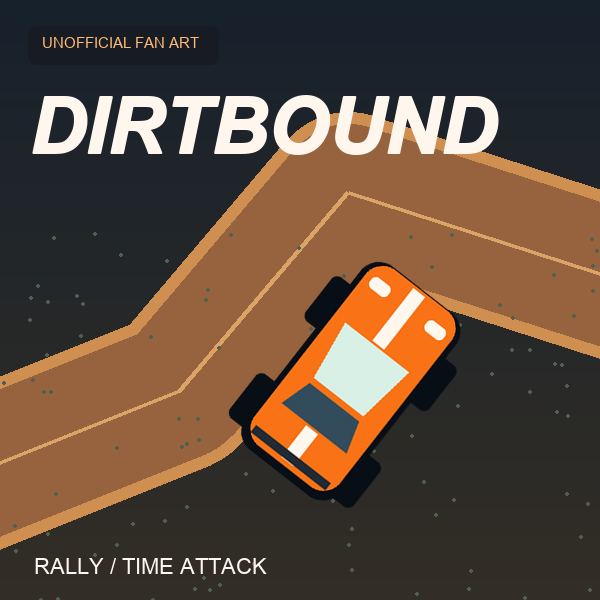 HOTDirtBoundA 3D browser rally game built around generated stages and timed circuits. Learn the controls, choose a mode and work towards cleaner, more consistent driving.
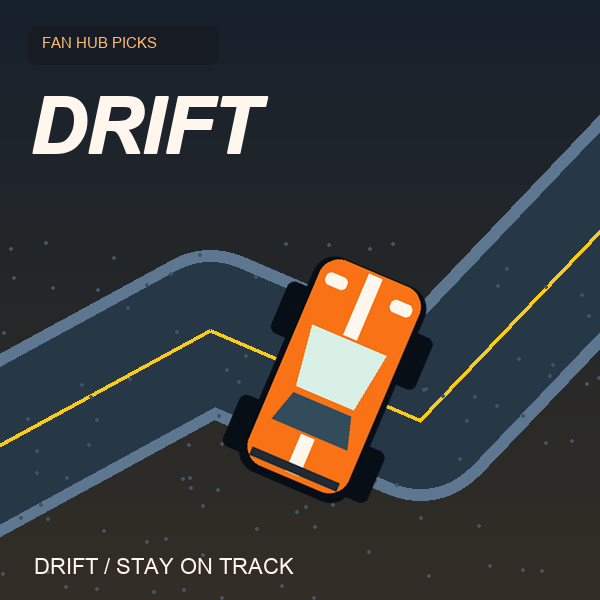
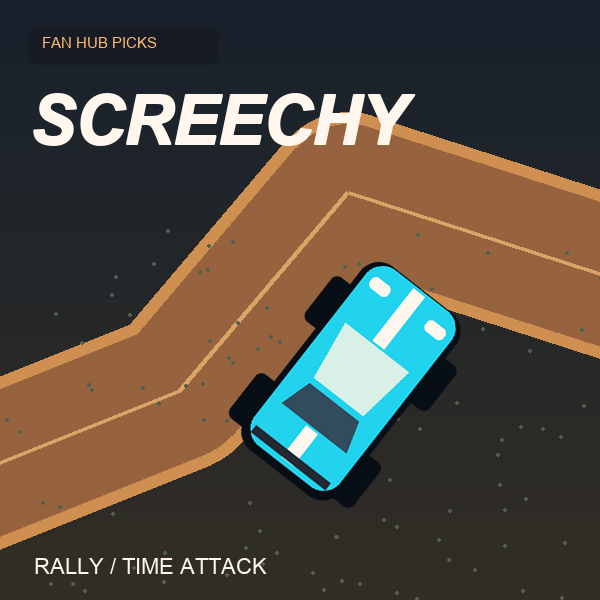 NEWScreechy RallyA compact top-down time-attack racer by ProYd. Practise your drift, unlock medals or race a friend locally.NEWDriftThe car accelerates for you. Concentrate on steering and stay on the road in this focused drifting game by DVRK Studios.
Drift Hunters
Slide through 3D corners, build drift combos and return to the garage to upgrade and tune your car. A keyboard driving game by Studionum43.
What is Drift Hunters?
Drift Hunters is a 3D car drifting game by Studionum43. Instead of chasing a finishing position, you practise holding slides, linking corners and building drift points. Those points give you a reason to return to the garage: try another car, improve its parts and experiment with a setup that suits your steering style.
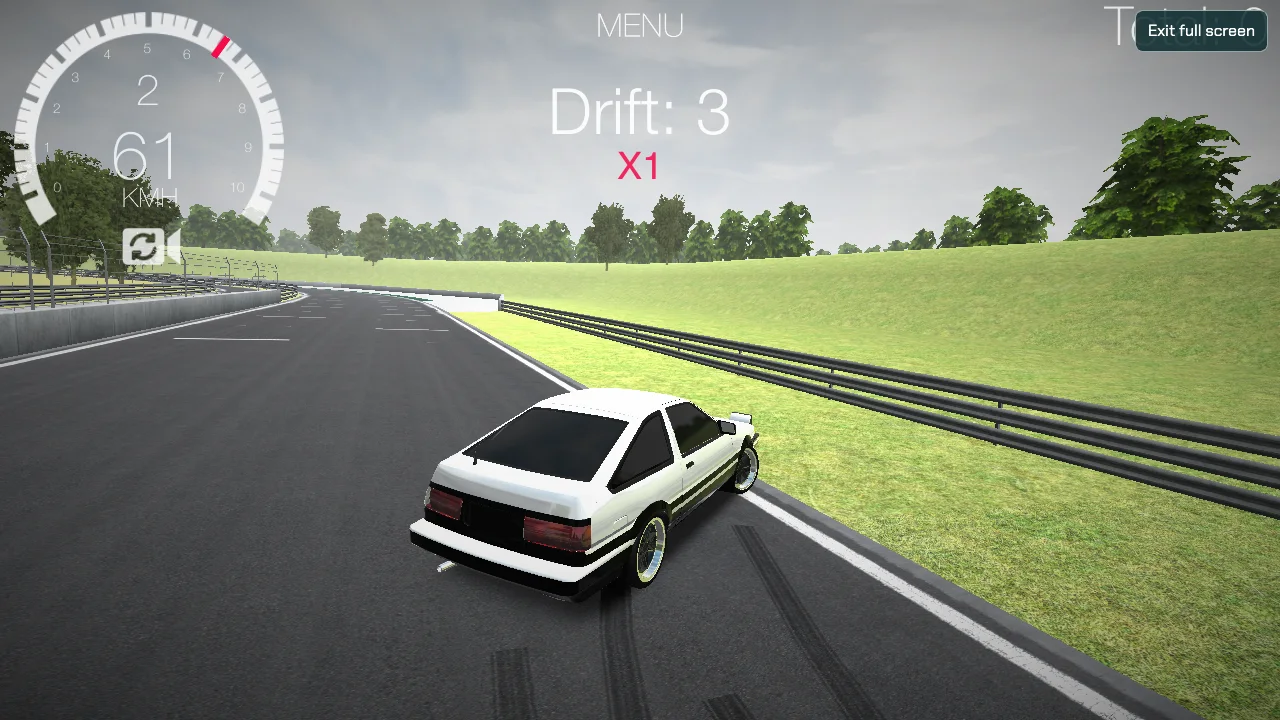
Play the browser version in the player above. This is a desktop keyboard game; a phone touchscreen is not a substitute for its driving controls. For a different kind of driving session, our DirtBound guide opens the official rally game, while the Drifting Games collection groups our sideways-driving picks together.
How a Drift Hunters session works
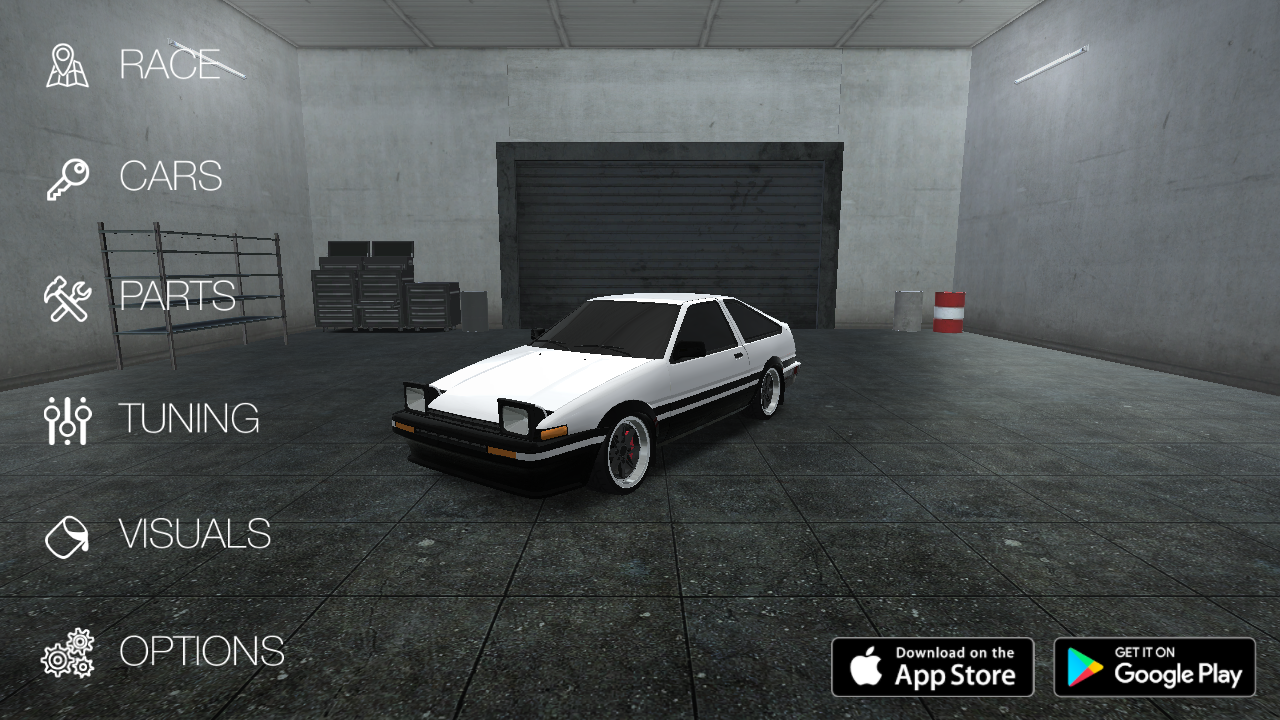
The garage is your starting point. Its main menu separates RACE, CARS, PARTS, TUNING, VISUALS and OPTIONS, so choosing a course and changing the car are separate steps. Begin with the available starter car, choose RACE and select a track. Spend the opening run learning how much steering and throttle the car needs before worrying about a big score.
The central challenge is keeping a controlled drift alive. A smooth slide through a corner is more useful than entering too quickly and hitting the outside barrier. As you improve, connect one corner to the next instead of treating every bend as an isolated trick. Drift Hunters rewards that sense of flow, but the best first goal is simply completing a few predictable turns.
Drift Hunters controls
| Input | Action |
|---|---|
| WASD or arrow keys | Accelerate, brake and steer |
| Space | Handbrake |
| C | Change camera |
| Left Shift | Shift up with manual transmission |
| Left Ctrl | Shift down with manual transmission |
| Mouse | Choose garage options and tracks |
Click inside the game after it loads to give it keyboard focus. If the arrow keys move the webpage, click the driving view again or use WASD. Start with automatic transmission if you want to concentrate on steering; practise manual changes after you can hold a repeatable line. Full screen gives the game more room, and Esc returns to this page.
Beginner drifting tips
Choose a line before adding speed
Look toward the next corner rather than watching only the rear of the car. Enter with enough room to turn, and reduce speed before the bend if you keep running wide. A wider practice area gives you more time to understand the slide. Repeat the same section until the car's reaction feels familiar, then increase the pace gradually.
Use shorter corrections
Holding full steering for too long can turn a small slide into a spin. Try short inputs and give the car a moment to respond. Countersteer as the rear moves outward, and avoid changing direction repeatedly in a panic. These are practice suggestions, not a guaranteed scoring formula: the useful timing depends on the car, speed and setup.
Treat the handbrake as a tool
A brief handbrake input can help start a slide, but holding it is not a replacement for throttle control. Test it on a familiar corner and compare the result with a normal steering entry. If a run becomes difficult to recover, slow down and establish a clean line before trying to link another drift.
Cars, upgrades and tuning
Drift Hunters separates buying a car from adjusting one. CARS lets you browse the garage selection. PARTS deals with performance upgrades, including the engine, turbo, gearbox, brakes and weight. You do not need to buy everything immediately: learning the starter car gives you a useful baseline for deciding whether an upgrade actually helps.
TUNING provides setup adjustments such as camber, ride height, offset and braking settings. Change one setting at a time, drive the same course and compare the behaviour. Changing several values together makes it harder to tell what improved the car. There is no single best tune for every player; a manageable car that holds a consistent angle is a better starting point than maximum power.
VISUALS handles appearance, including body and wheel choices. Keep cosmetic preferences separate from your practice goals: a different colour will not teach corner entry, while a familiar car and track make changes in handling easier to notice. Use OPTIONS if you need to adjust the game's settings before another run.
Drift Hunters, DirtBound or Drift?
Choose Drift Hunters when you want a 3D garage-and-drifting session with car setup choices. Choose DirtBound for our main rally guide and a direct launch to its official game. The two games have different goals, so a drift score should not be treated as a rally stage time.
For a simpler overhead view, try Drift by DVRK Studios: its automatically accelerating car puts the focus on steering and staying on the road. Screechy Rally is another option for a compact 2D rally session. Browse Drifting Games for sideways-driving practice or Rally Games for our rally listings.
Loading and browser help
The 3D player needs to download its game files before the garage appears. The first load can take longer than returning to a cached game. Keep the tab open while it loads. If the player remains blank, try a current desktop browser with WebGL support and check whether your network or a browser extension is blocking the external game host. Reducing in-game graphics settings may help on a slower computer.
The player is hosted by an external service, so availability and browser storage are controlled there. Do not rely on a private browsing session to retain your garage progress. Use the Report a bug button below the player to tell this fan site's operator about a broken embed; include the browser and what you saw, without posting private information in the comments.
Frequently asked questions
Can I play Drift Hunters inside this page?
Yes. Click Play above to load the embedded browser game. You can use the site's full-screen control for a larger view. This is separate from DirtBound, which opens its official website in another window.
Does this browser version work with touch controls?
This listing is for desktop keyboard play. We have not confirmed a touch control scheme for the embedded build, so use a computer for the controls described here. Mobile editions and the browser build may differ.
How do I change gears?
When using manual transmission, left Shift changes up and left Ctrl changes down. If you are learning to drift, begin with automatic transmission and practise your line first.
Who made Drift Hunters?
Drift Hunters is made by Studionum43, credited as Ilya Kaminetsky on its publisher listing. That listing also documents the classic game's keyboard controls and garage features.
Game credits and fan-site notice
This page is an independent fan listing with an original introduction and practice commentary. The embedded game is served from an external player; Drift Hunters and its assets belong to their respective owners. The cover shows the game's garage, rather than an official DirtBound image. DirtBound Fan Hub is personally operated and is not affiliated with or endorsed by Studionum43 or the DirtBound creators. For corrections or copyright concerns, contact [email protected] or read About this fan site.
How to play Drift Hunters
- Click Play and allow the 3D game to load. Click inside the player so it receives keyboard input.
- Choose RACE in the garage, select a track and start driving.
- Use WASD or the arrow keys to accelerate, brake and steer. Space applies the handbrake; C changes the camera.
- If you select manual transmission, use left Shift to shift up and left Ctrl to shift down.
- Build controlled slides to earn drift points, then visit CARS, PARTS, TUNING or VISUALS in the garage.
- Use Full screen for a larger view and Esc to return. This browser version is intended for desktop keyboard play.