 NEW
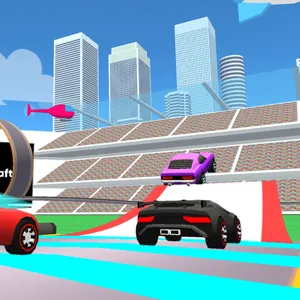
DashCraft.io
Keyboard game · Play on desktop for full controls.DashCraft.io
NEWPlay Other Games
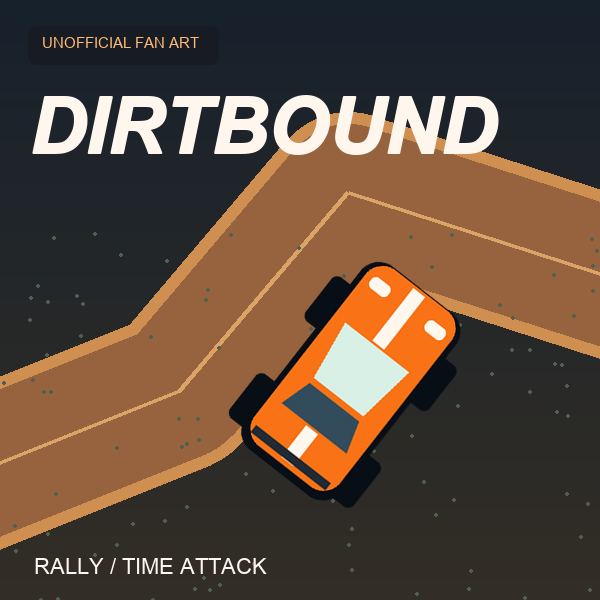 HOTDirtBoundA 3D browser rally game built around generated stages and timed circuits. Learn the controls, choose a mode and work towards cleaner, more consistent driving.
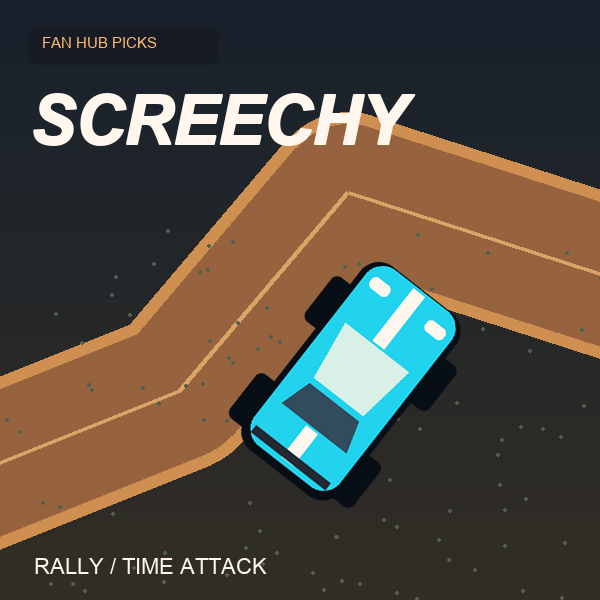 NEWScreechy RallyA compact top-down time-attack racer by ProYd. Practise your drift, unlock medals or race a friend locally.
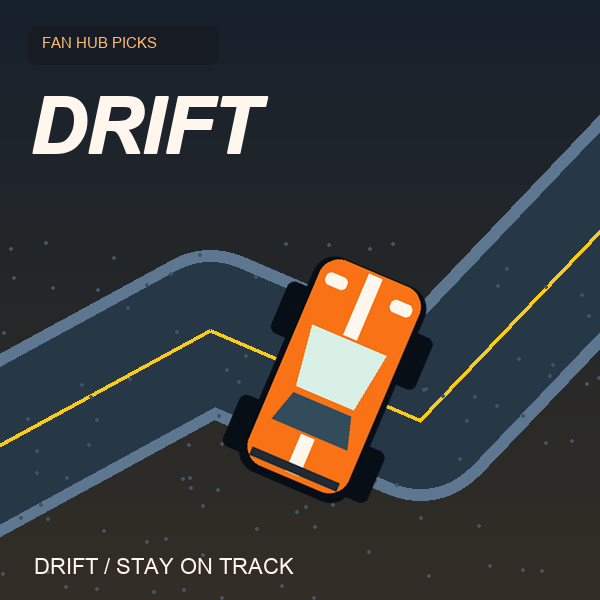 NEWDriftThe car accelerates for you. Concentrate on steering and stay on the road in this focused drifting game by DVRK Studios.
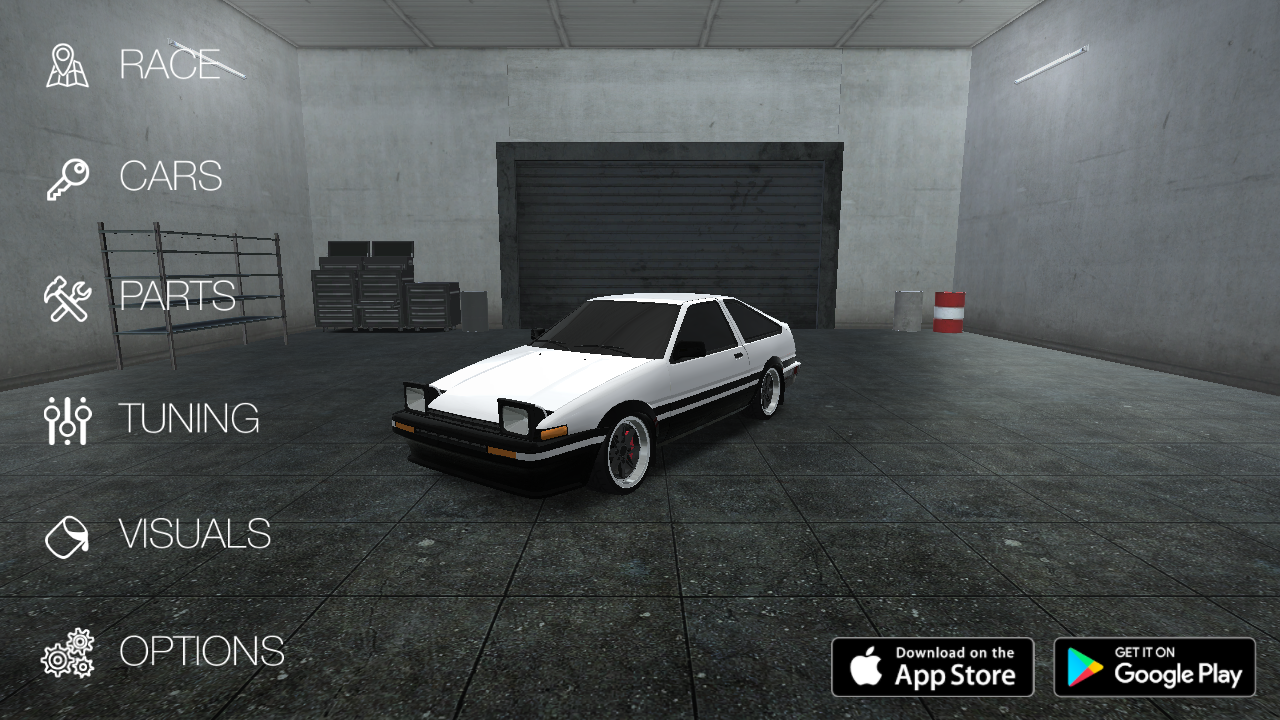 NEWDrift HuntersSlide through 3D corners, build drift combos and return to the garage to upgrade and tune your car. A keyboard driving game by Studionum43.
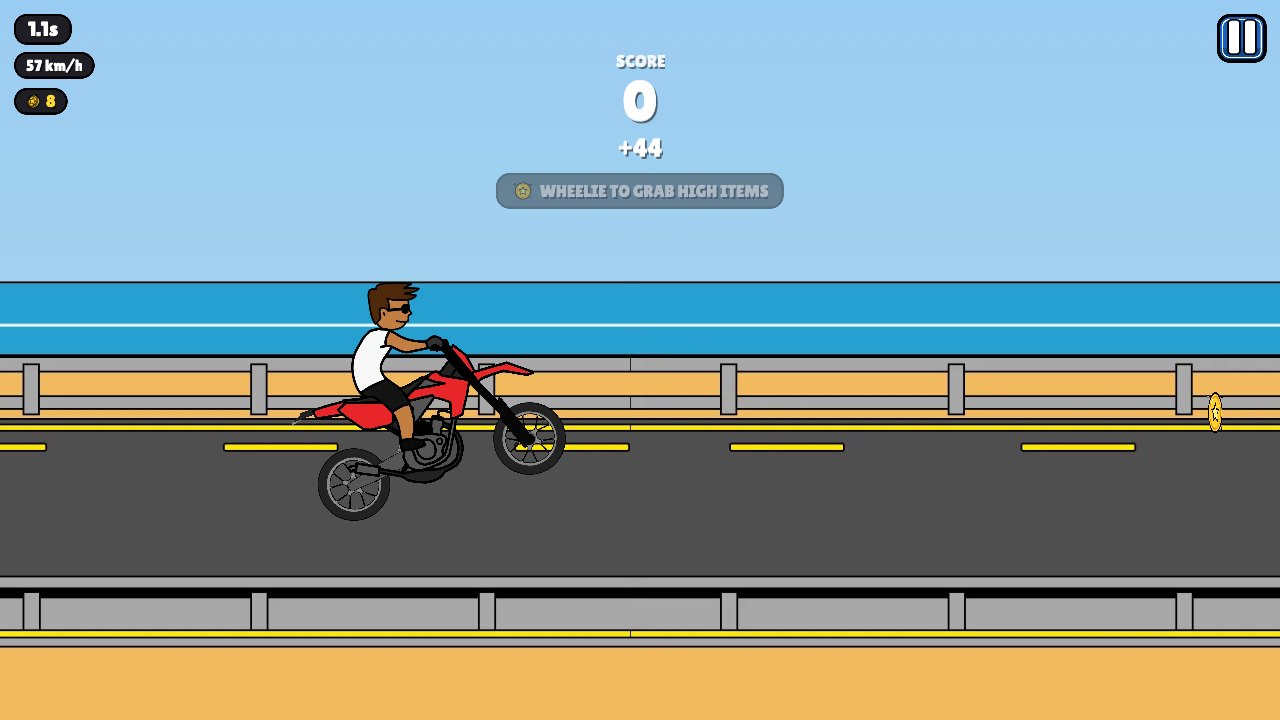 NEWWheelie PopperLift the front wheel, balance your motorcycle and build a longer stunt run. A bright side-view riding game with gas, brake and trick inputs.
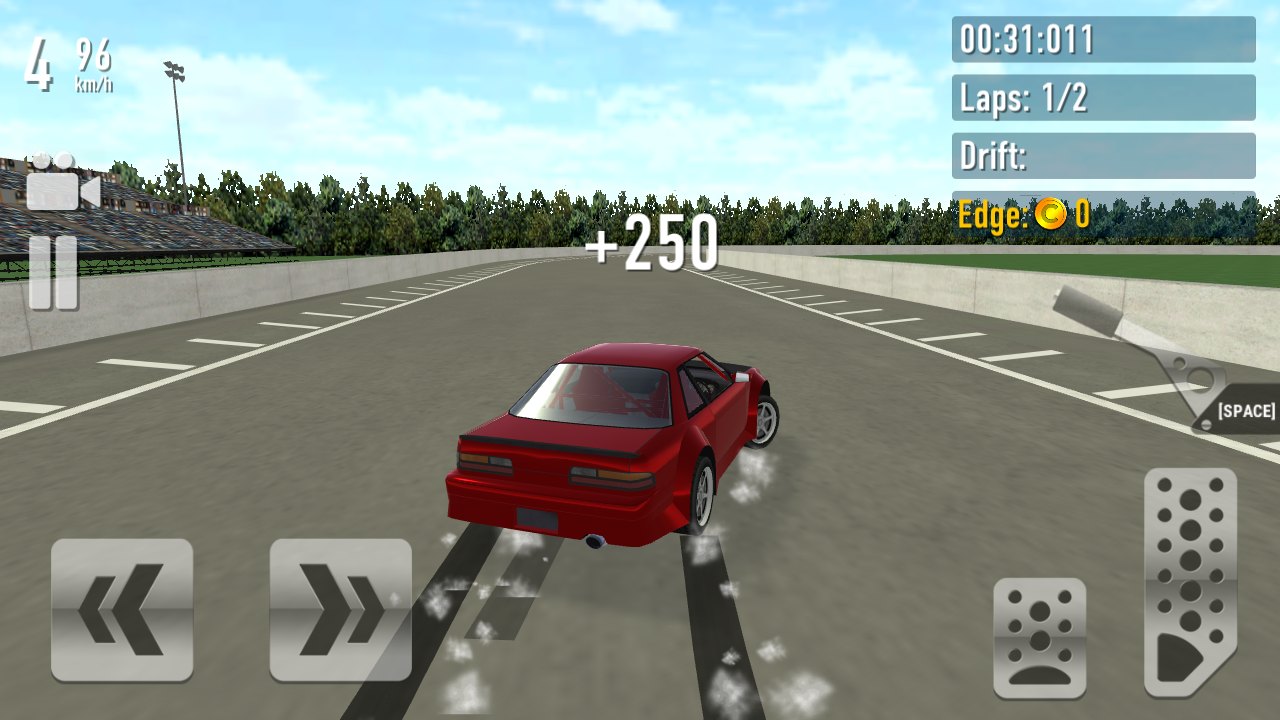 NEWDrift RushChoose a car, take it onto a circuit and combine throttle control with smooth steering to build a more deliberate drift.
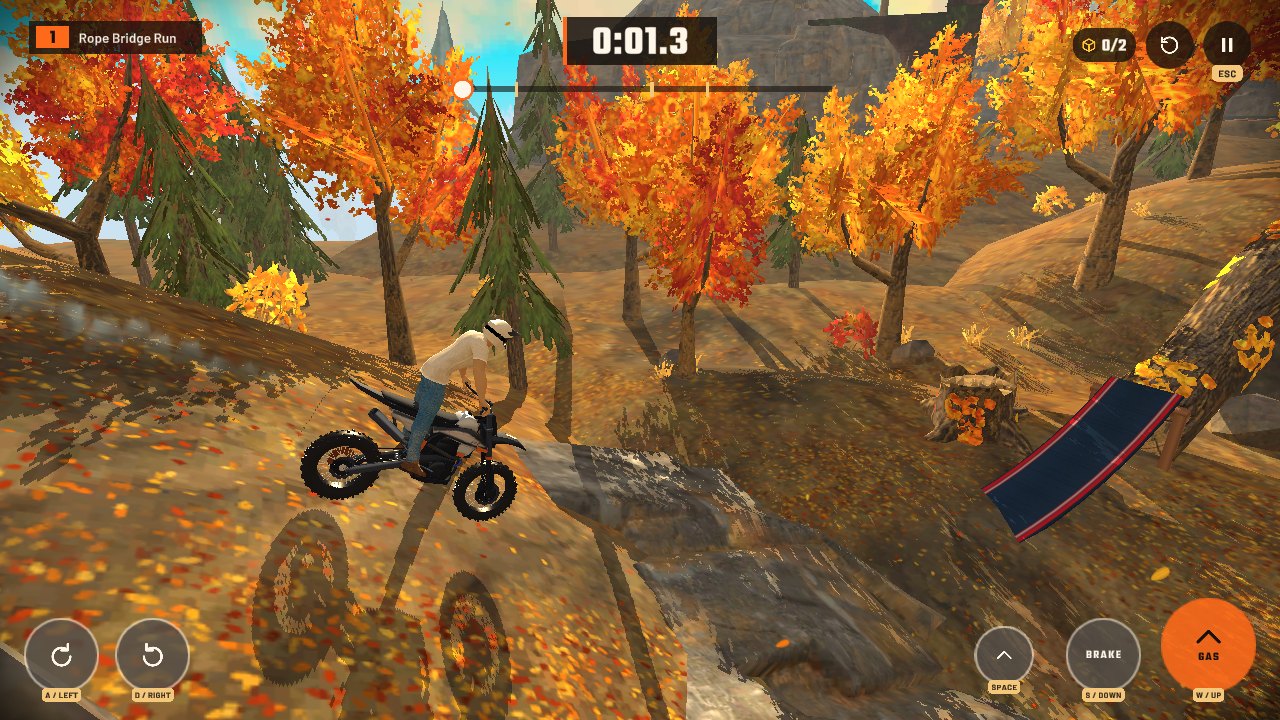 NEWStunt Rider 3DRide a motorcycle across 3D obstacle tracks, manage the throttle and land cleanly after ramps, jumps and steep drops.
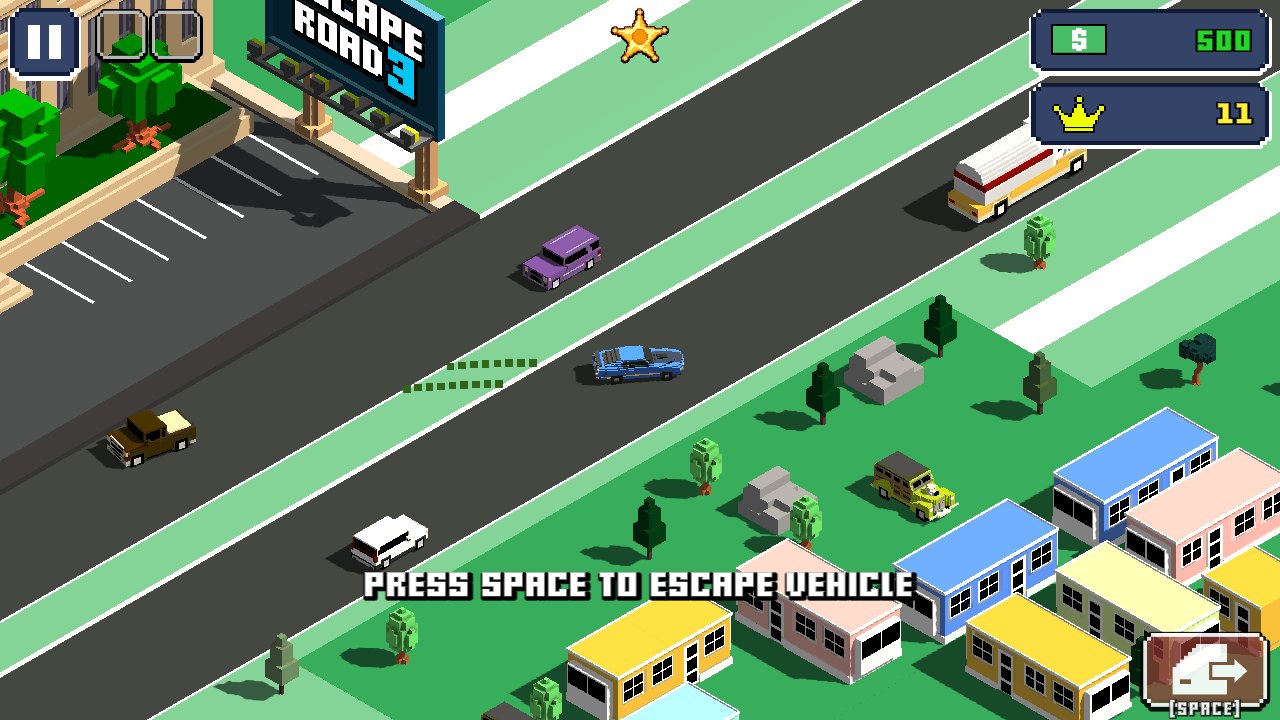 NEWEscape Road 3A city getaway game with vehicle switching, sharp turns and a growing police chase. Keep an exit route in mind as you drive.
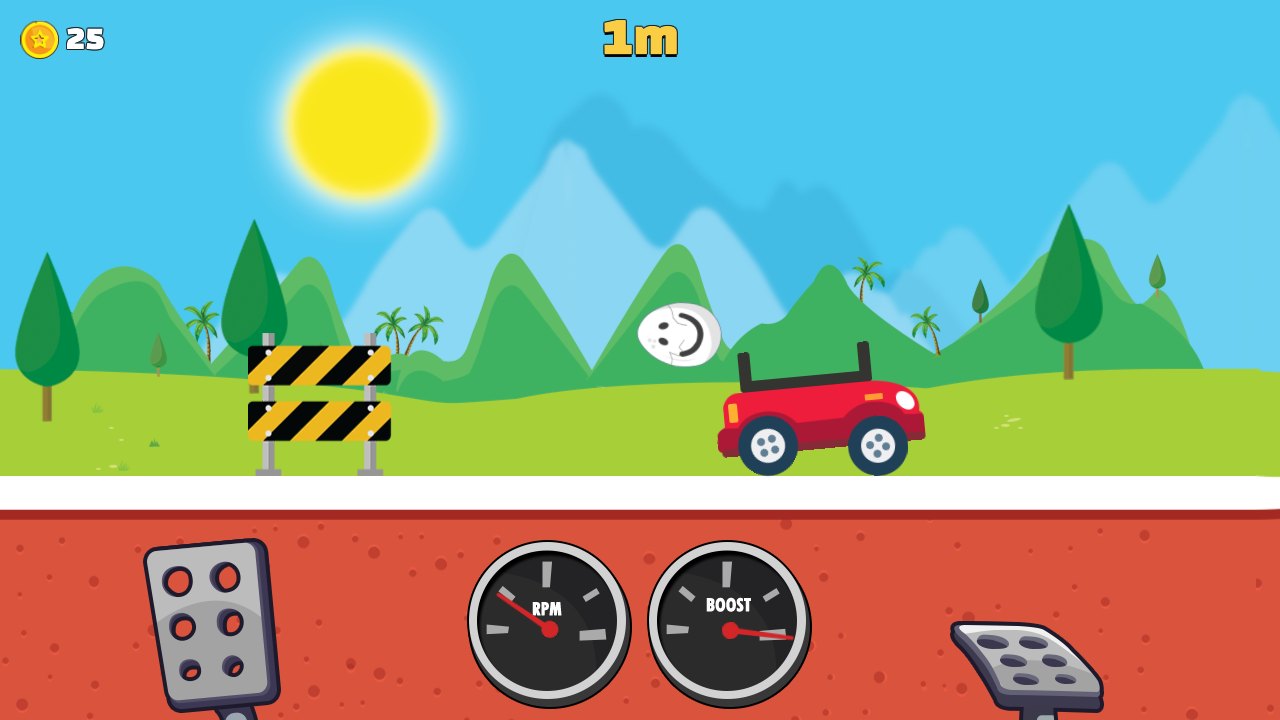 NEWEggy CarCarry a loose egg over hilly roads. Gentle forward and reverse inputs matter more than top speed in this physics driving game.
DashCraft.io
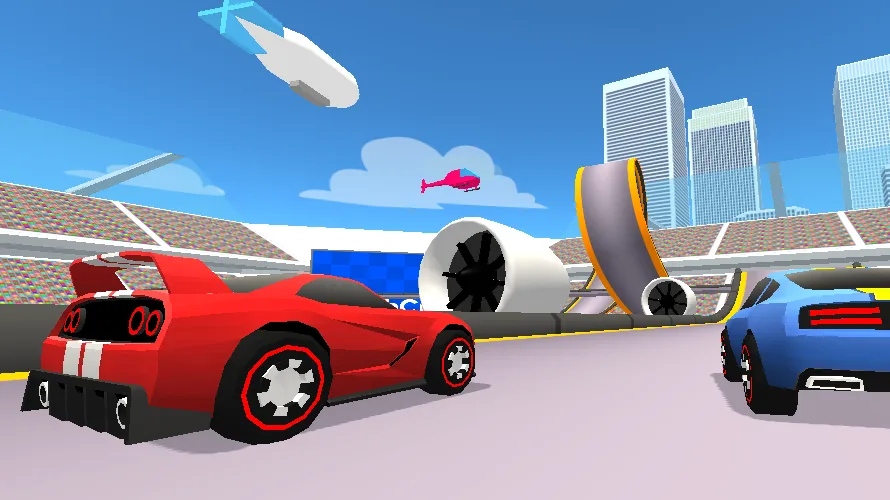
DashCraft.io combines driving with a community track editor.
About DashCraft.io
DashCraft.io combines driving with a community track editor. You can explore courses made by other players, choose cars and build routes of your own to share. Checkpoint recovery and a full restart are separate controls, which makes practising one section different from starting the entire run again.
Controls at a glance
Drive Controls
- W / up arrow key = accelerate
- A / left arrow key = move left
- D / right arrow key = move right
- S / down arrow keys / space = brake
- R = restart from checkpoint
- Backspace = restart from the start
Build Controls
Displayed in the game
A useful first run
- Click Play above, then choose the game's starting event or follow its opening tutorial.
- Use checkpoint recovery while learning an unfamiliar section, then compare complete runs once the route is familiar. In the editor, test a short route before building a larger course.
- Repeat a familiar section with the same setup before changing several controls or vehicle choices at once.
Explore the racing collection
Browse this collection of racing games or return to our DirtBound rally guide for a different driving challenge. Each title has its own controls and progression.
Creator and player source
Game by Ctrl4ltDel. The player is provided through CrazyGames. This is an independent fan listing; game names, artwork and assets belong to their respective owners. DirtBound votes and comments are separate from the game's own records.