 NEW
Stunt Rider 3D
Keyboard game · Play on desktop for full controls.Stunt Rider 3D
NEWPlay Other Games
 HOTDirtBoundA 3D browser rally game built around generated stages and timed circuits. Learn the controls, choose a mode and work towards cleaner, more consistent driving.
 NEWScreechy RallyA compact top-down time-attack racer by ProYd. Practise your drift, unlock medals or race a friend locally.
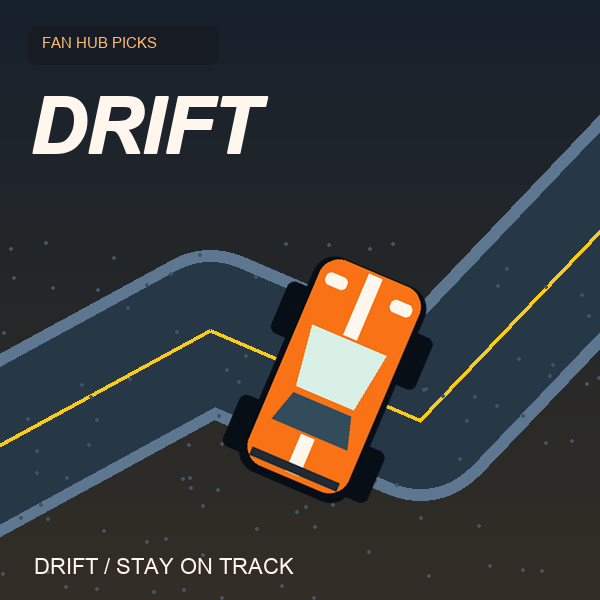 NEWDriftThe car accelerates for you. Concentrate on steering and stay on the road in this focused drifting game by DVRK Studios.
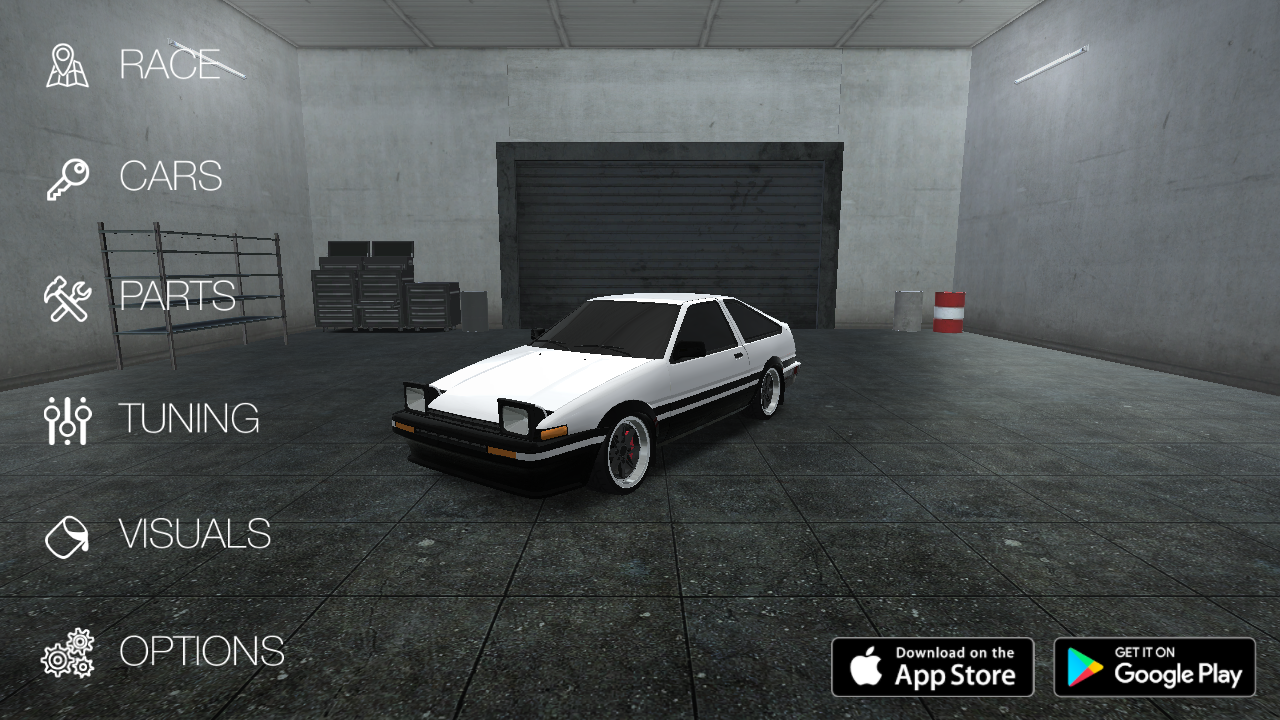 NEWDrift HuntersSlide through 3D corners, build drift combos and return to the garage to upgrade and tune your car. A keyboard driving game by Studionum43.
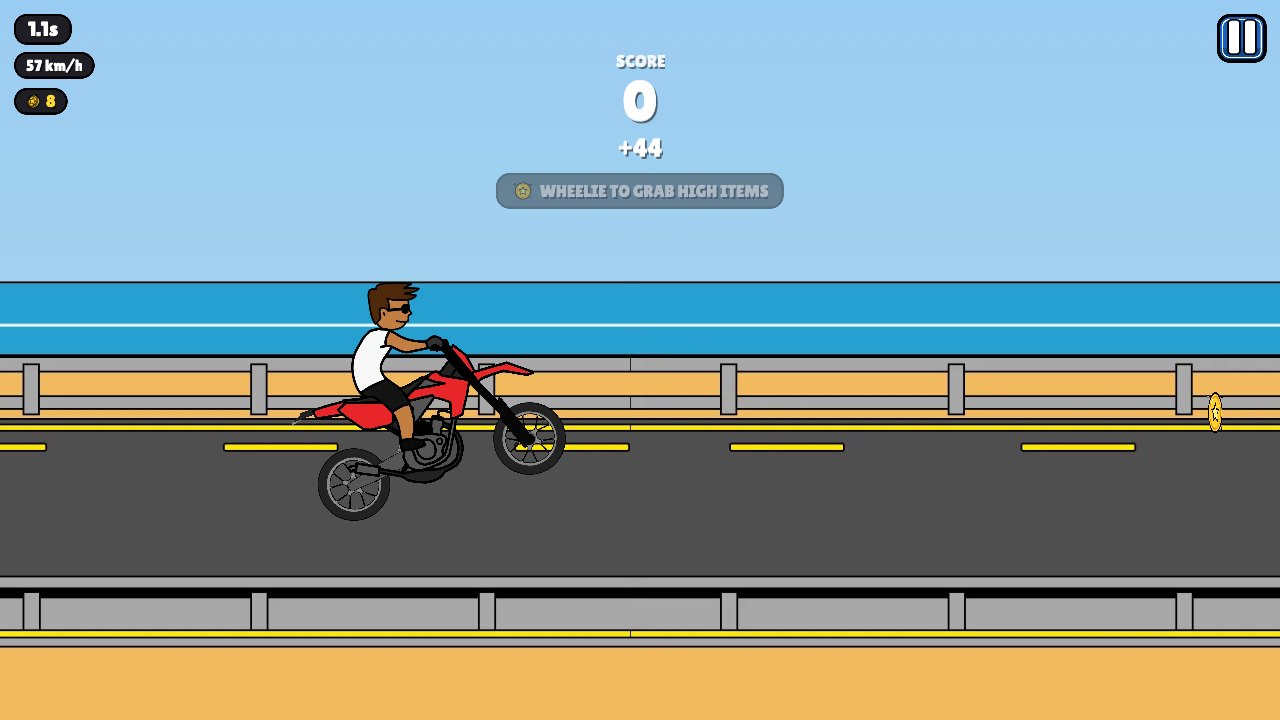 NEWWheelie PopperLift the front wheel, balance your motorcycle and build a longer stunt run. A bright side-view riding game with gas, brake and trick inputs.
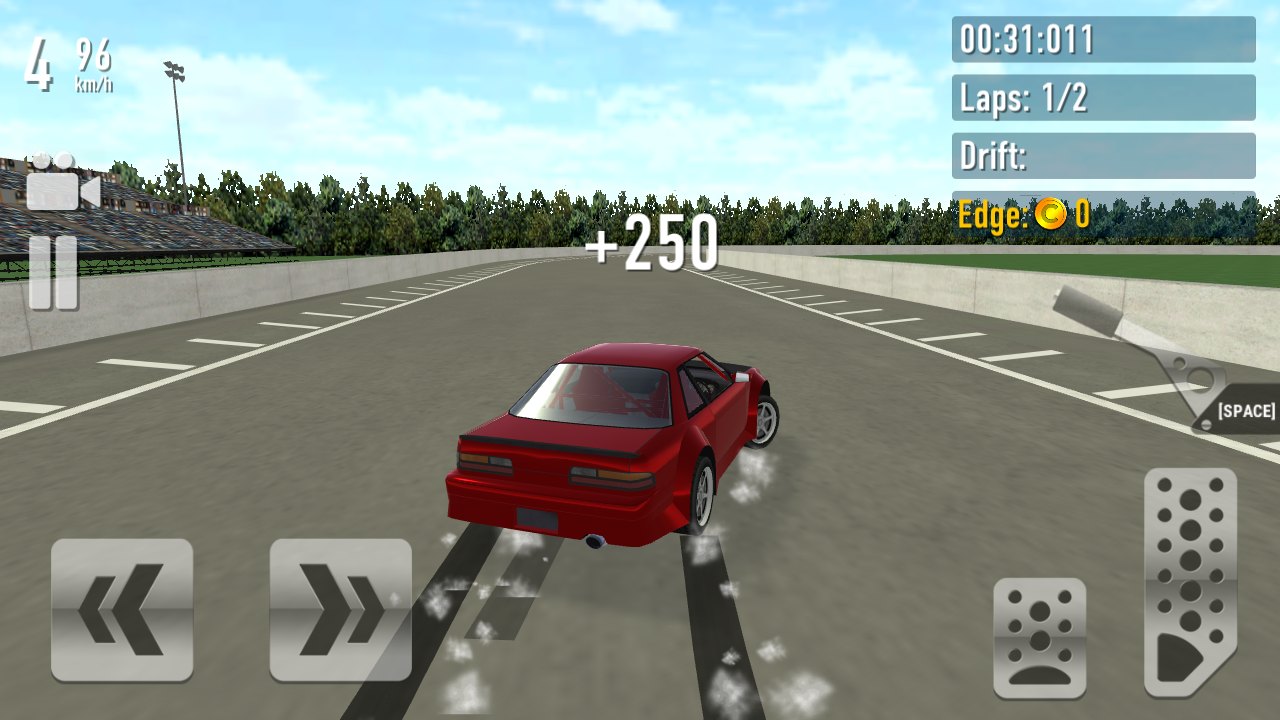 NEWDrift RushChoose a car, take it onto a circuit and combine throttle control with smooth steering to build a more deliberate drift.
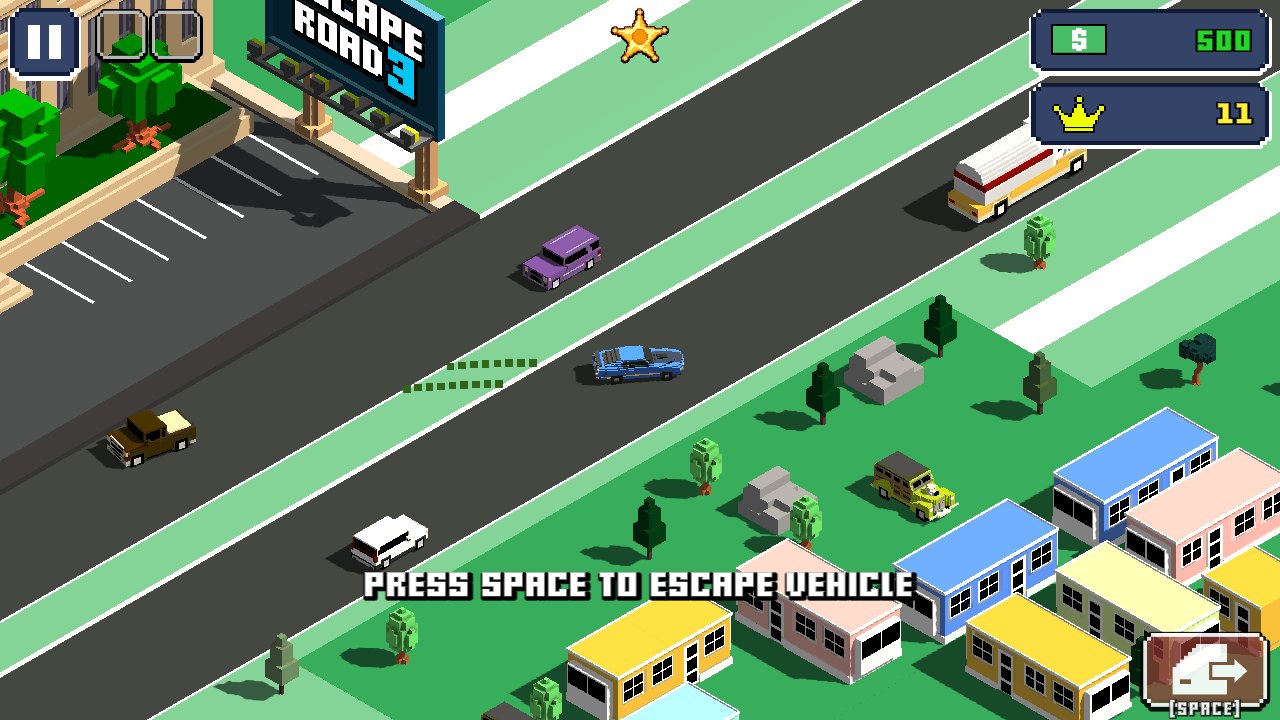 NEWEscape Road 3A city getaway game with vehicle switching, sharp turns and a growing police chase. Keep an exit route in mind as you drive.
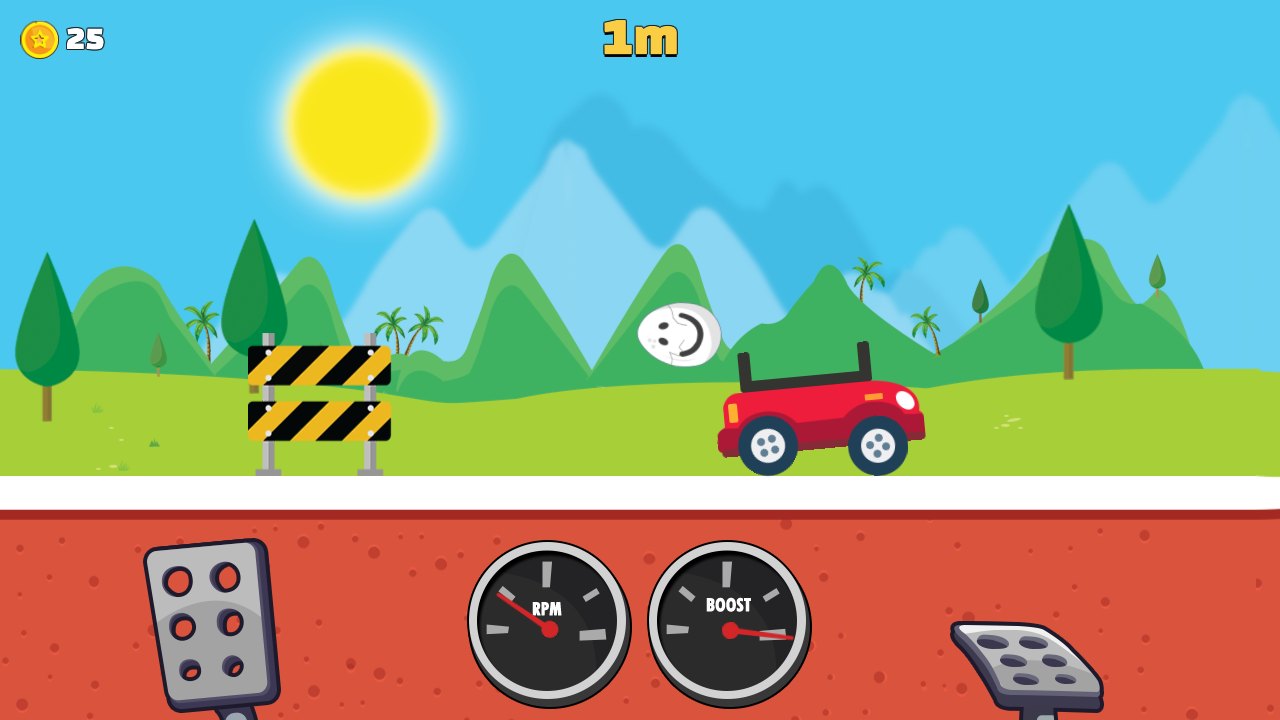 NEWEggy CarCarry a loose egg over hilly roads. Gentle forward and reverse inputs matter more than top speed in this physics driving game.
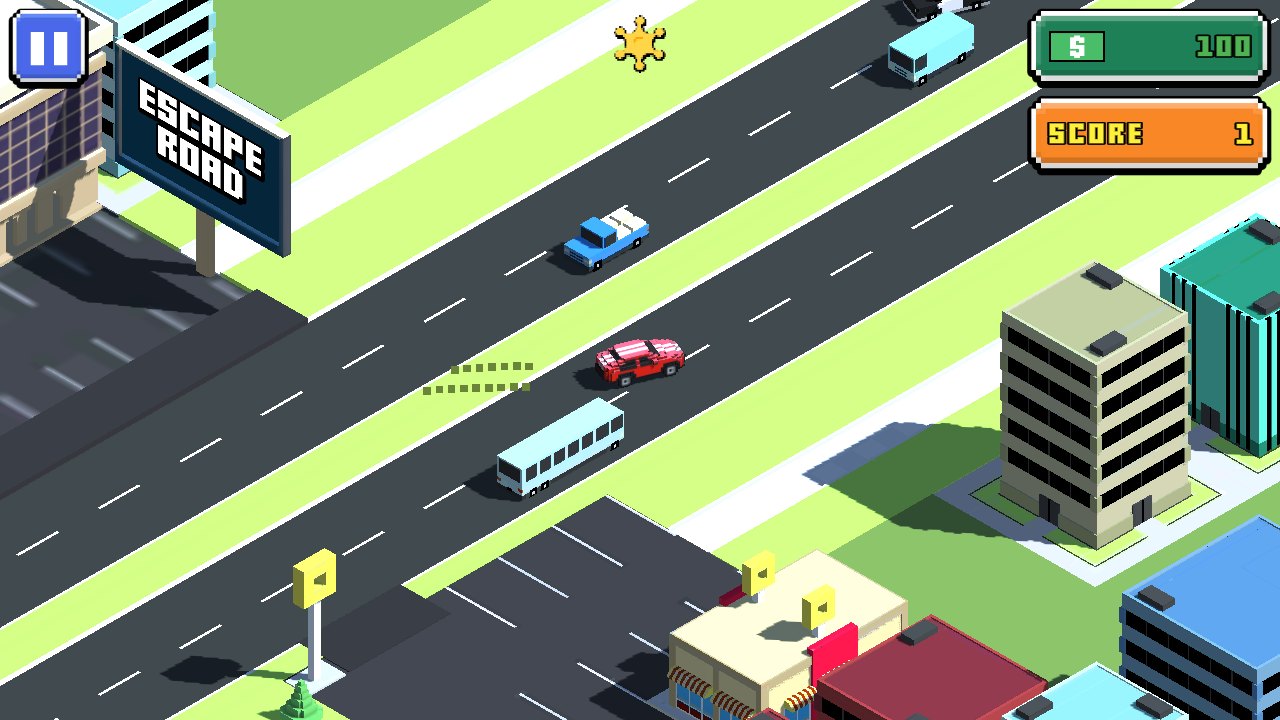 NEWEscape RoadKeep a getaway car moving through a city while police pursue. Read the next junction, avoid being boxed in and survive a little longer.
Stunt Rider 3D
Ride a motorcycle across 3D obstacle tracks, manage the throttle and land cleanly after ramps, jumps and steep drops.
What is Stunt Rider 3D?
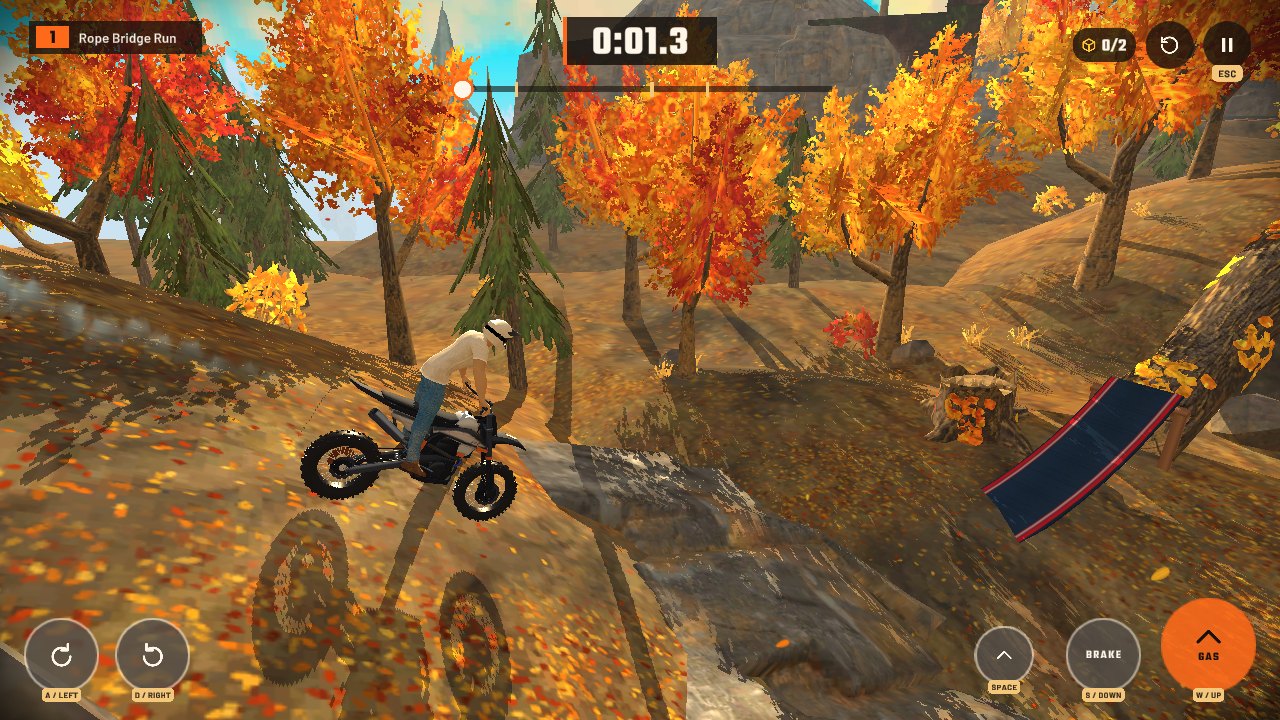
Stunt Rider 3D is a motorcycle obstacle-course game with a side-on driving view inside a 3D environment. You ride toward the finish, control the bike's lean and decide how much speed to carry into each ramp or drop. A timer encourages cleaner runs, but reaching the next stretch safely is the most useful first objective.
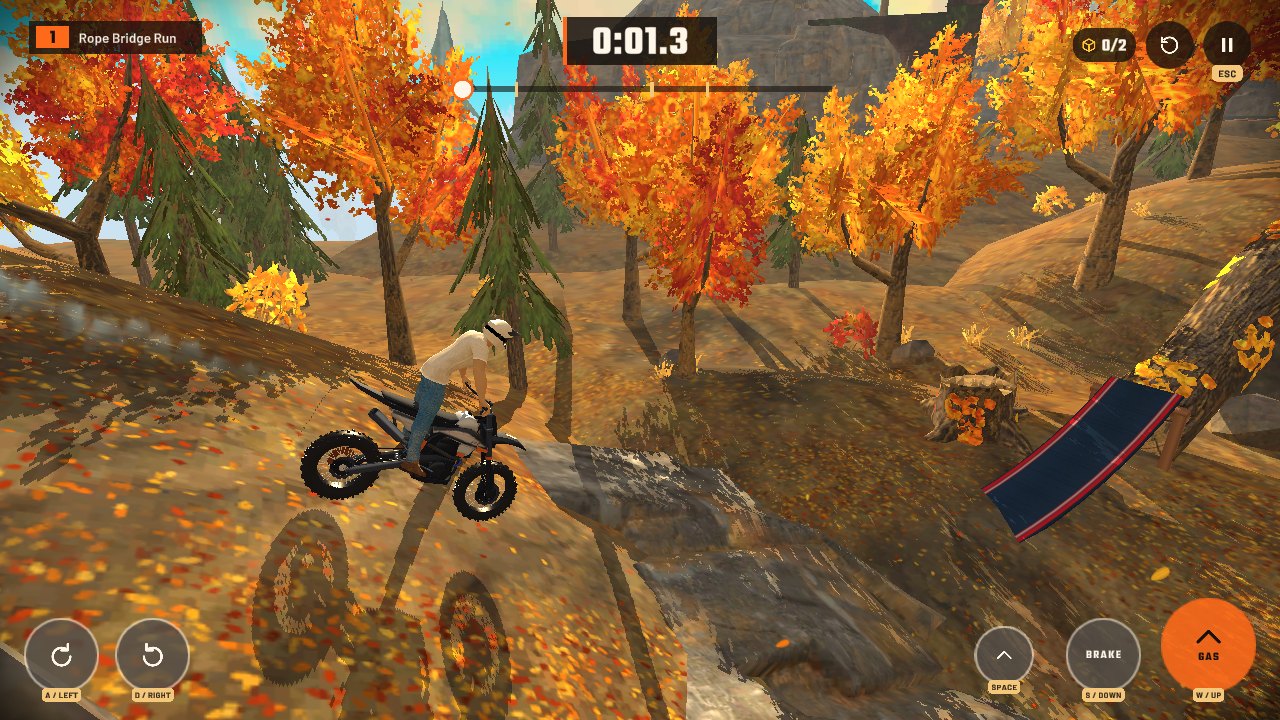
The tested browser build opened on a course called Rope Bridge Run. Its interface showed a timer, progress line, collectible counter, restart button and separate controls for gas, brake, tilt and jump. Accelerating moved the bike down the opening slope and advanced the timer, so the image above comes from a running level rather than a promotional cover.
Stunt Rider 3D controls
| Input | Action |
|---|---|
| W / Up arrow | Gas |
| S / Down arrow | Brake |
| A / Left arrow | Tilt back |
| D / Right arrow | Tilt forward |
| Space | Jump |
| Esc | Pause |
Reading the track before the jump
Look beyond the front wheel and identify the landing surface before you commit to a ramp. A steep rise may need enough speed to clear the gap, while a short platform can punish the same throttle input. Learn those sections individually instead of treating every obstacle as an invitation to hold the gas.
Use the tilt inputs to adjust the motorcycle's angle in the air. The aim is to meet the landing with the wheels aligned to its surface, not simply to complete the largest rotation. Start with small corrections. If you keep landing on the rider or the back of the bike, reduce the rotation and repeat the jump at a more manageable pace.
Speed, flips and cleaner attempts
A flip is useful only if the landing lets you continue. In an unfamiliar section, prioritise a stable landing and save the more ambitious stunt for a later attempt. Once you know the available airtime, make one planned change: a little more throttle, a shorter lean input or a different point at which you jump.
The game provides a restart control, which makes repeating the opening section a practical exercise. Use a failed attempt to identify the specific obstacle that caused the problem. A cleaner approach to that one section is a more achievable goal than trying to improve the entire course at once.
Stunt Rider 3D questions
How do I jump?
The tested build labels its jump input Space and displays a matching on-screen button. Gas is a separate input, so learning when to jump is different from simply accelerating toward an edge.
Do I have to flip over every ramp?
No. Start by reaching the landing in a stable position. Treat rotations as an additional challenge after the basic route is familiar.
Can I use the same controls as Wheelie Popper?
Check the table above. The two games assign different roles to their keys: this game separates gas, jump and bike tilt, while Wheelie Popper concentrates on wheelie balance and riding poses.
More games to try
Try Wheelie Popper for a more focused balance session, or Moto X3M 3 for another motorcycle obstacle game. Browse Motorbike Games or return to our DirtBound fan guide.
Credits and browser notes
This listing uses the public Stunt Rider 3D player provided through AZGames. The game and its artwork are not made by DirtBound Fan Hub. See the game source for game information. This is a personally operated fan listing; the game and its assets belong to their respective owners. For copyright concerns, contact [email protected].
Click inside the player if the keyboard moves the webpage. The first load downloads external game files; allow it to finish. Full screen expands the player and Esc returns to the page. Availability and saved progress depend on the external host and browser storage. This listing was checked with desktop controls; touch behaviour can vary by build and device.
How to play Stunt Rider 3D
- Click Play above and give the game keyboard or pointer focus.
- Start the available course and use a short gas input to learn how the bike accelerates.
- Read the next ramp or gap and balance speed with the distance to the landing.
- Use tilt and jump to clear obstacles, then land with the wheels aligned to the track.
- Use the site's Full screen button for a larger view; Esc returns to the page.