 NEW
Escape Road 3
Keyboard game · Play on desktop for full controls.Escape Road 3
NEWPlay Other Games
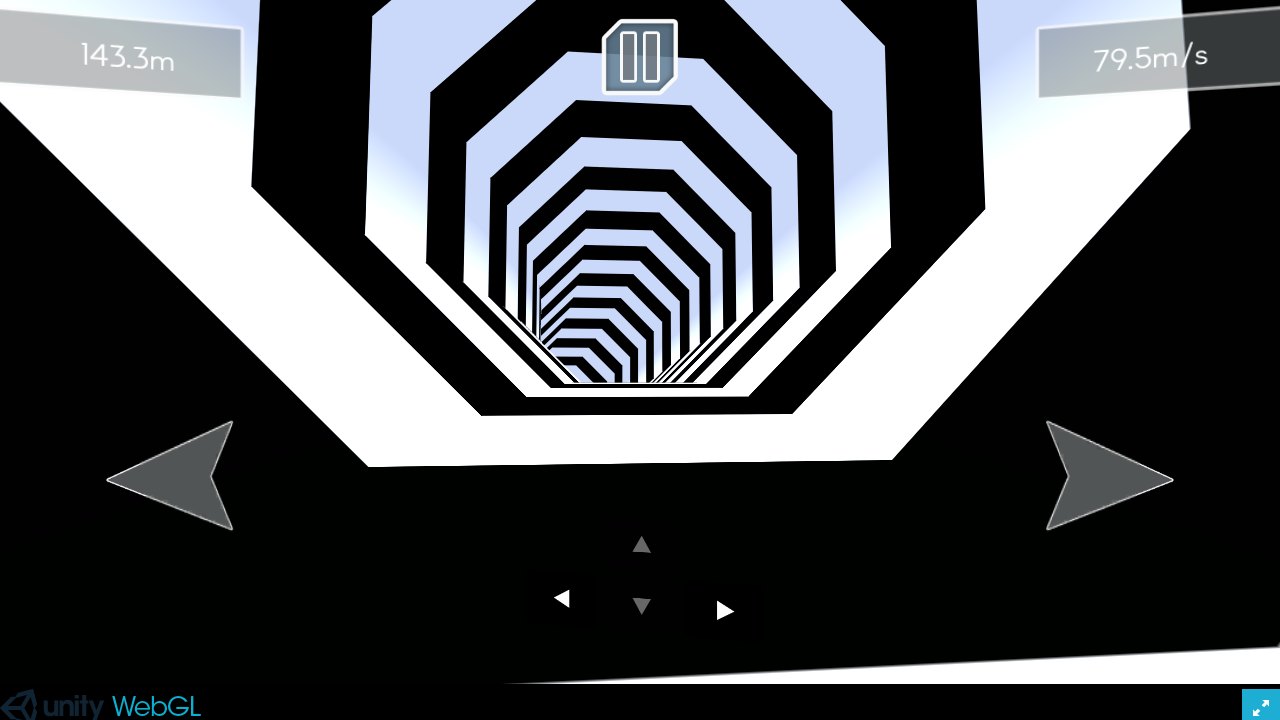
 HOTDirtBoundA 3D browser rally game built around generated stages and timed circuits. Learn the controls, choose a mode and work towards cleaner, more consistent driving.
 NEWScreechy RallyA compact top-down time-attack racer by ProYd. Practise your drift, unlock medals or race a friend locally.
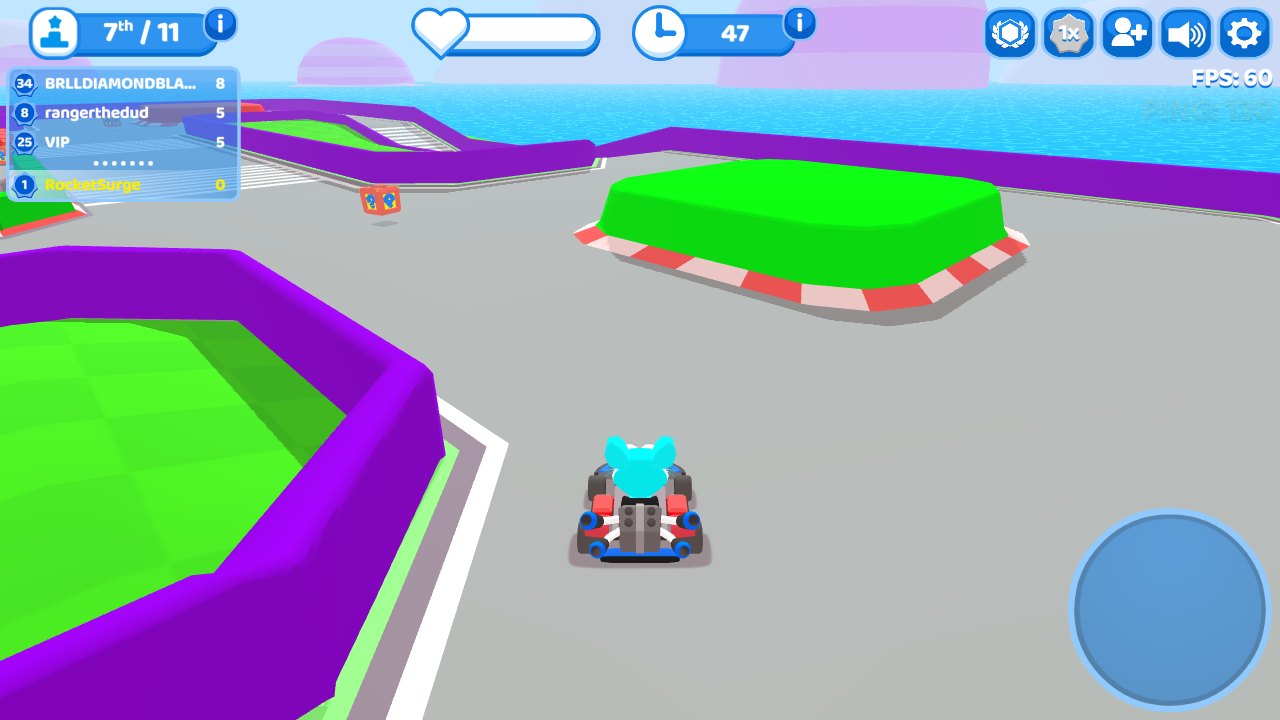
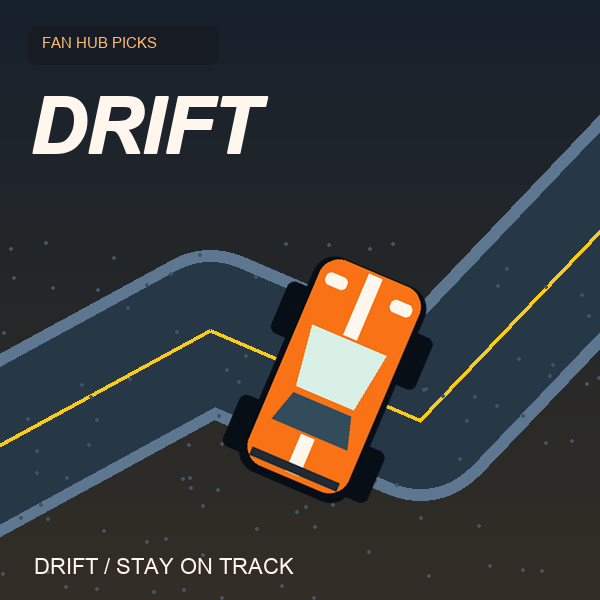 NEWDriftThe car accelerates for you. Concentrate on steering and stay on the road in this focused drifting game by DVRK Studios.
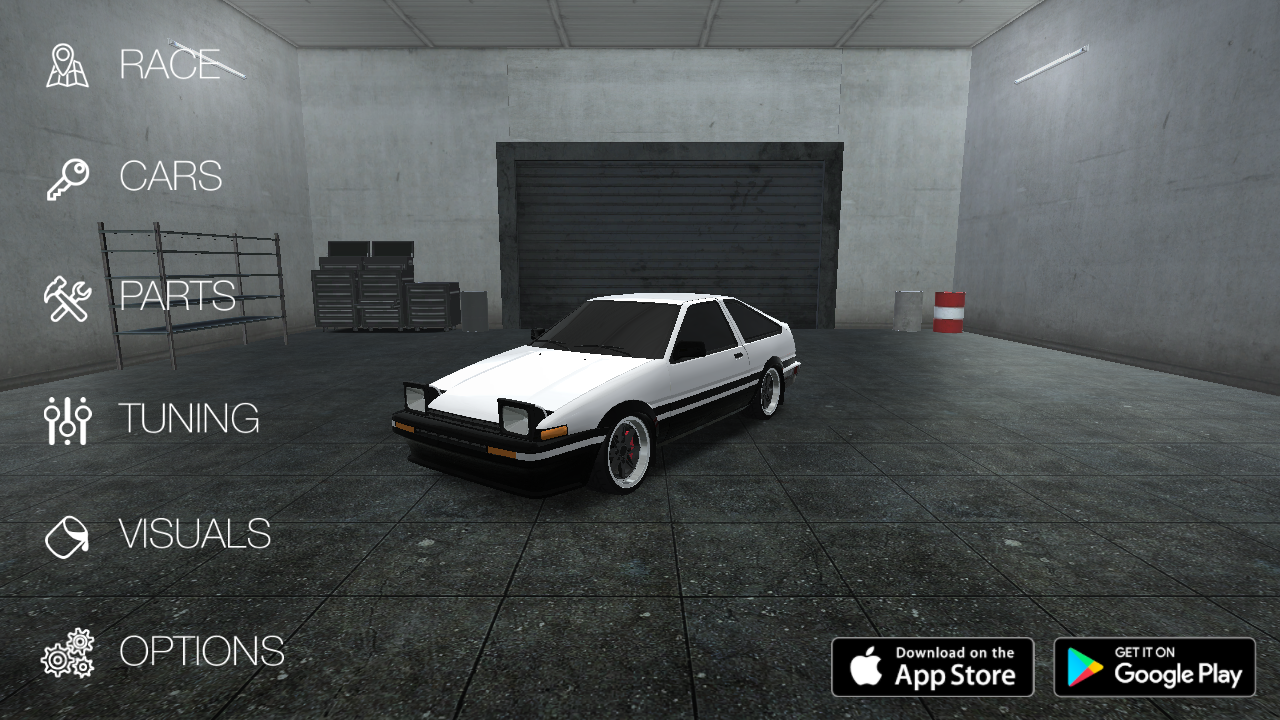 NEWDrift HuntersSlide through 3D corners, build drift combos and return to the garage to upgrade and tune your car. A keyboard driving game by Studionum43.
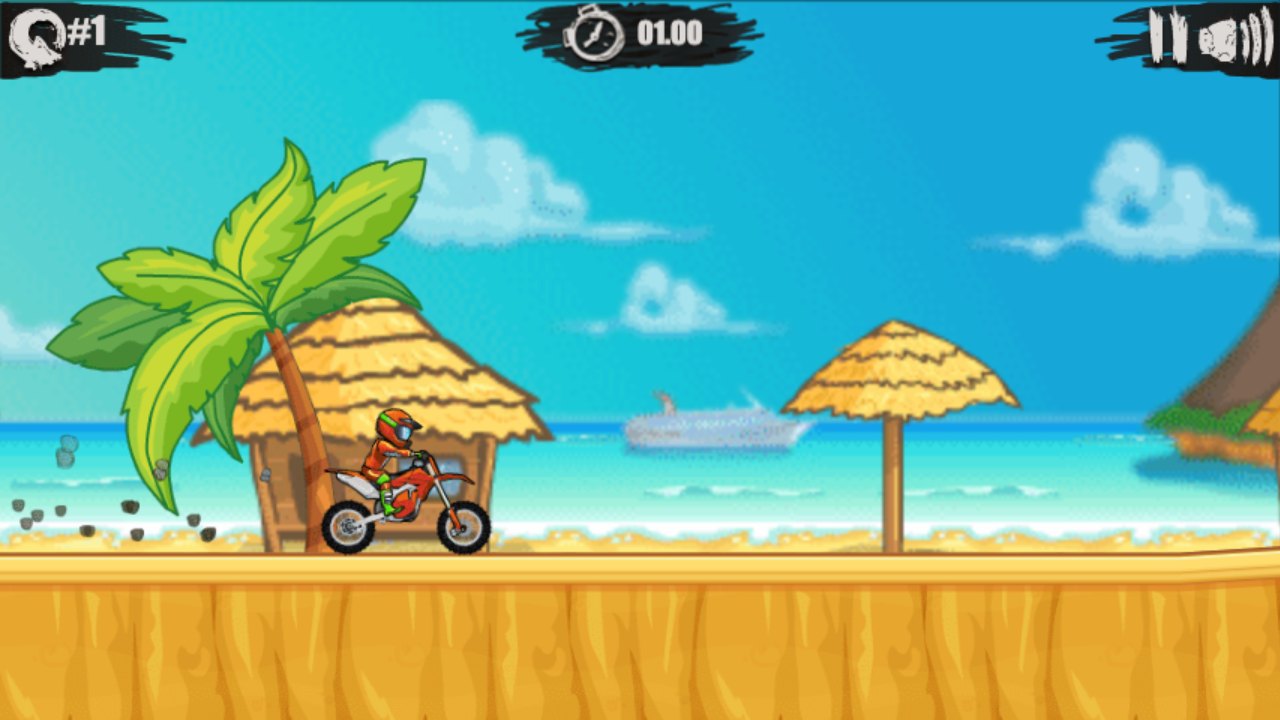
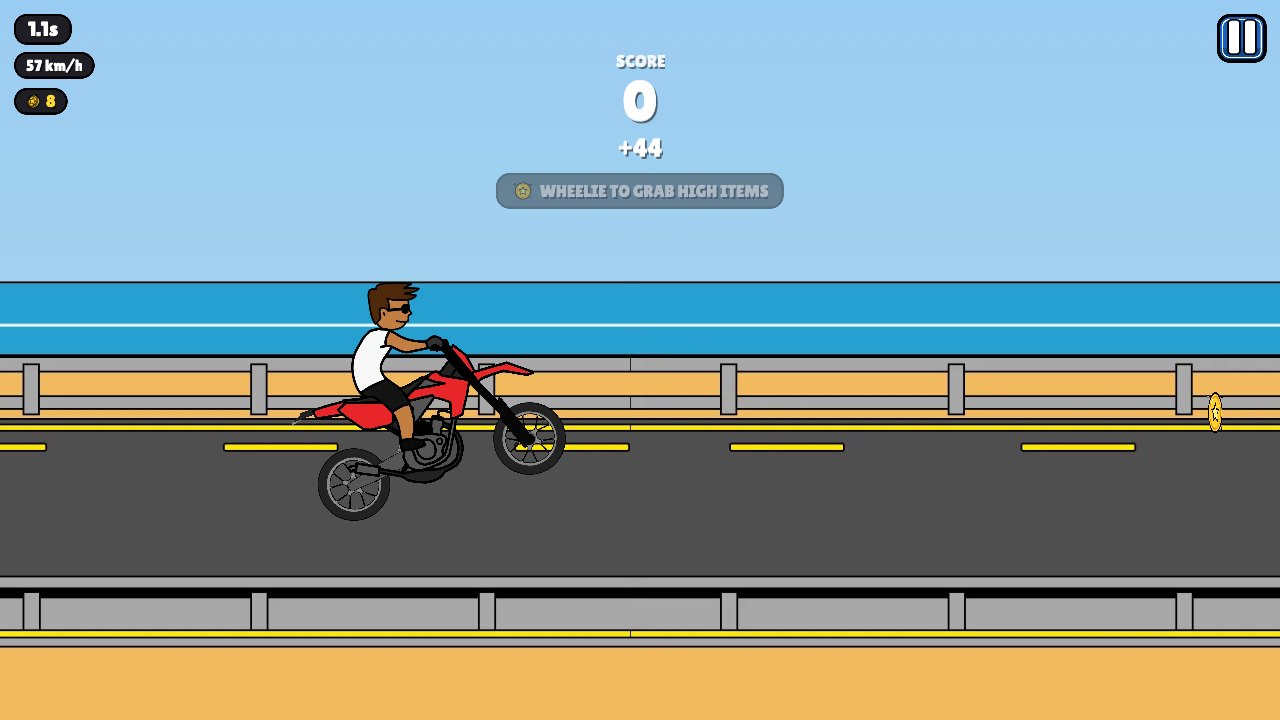 NEWWheelie PopperLift the front wheel, balance your motorcycle and build a longer stunt run. A bright side-view riding game with gas, brake and trick inputs.
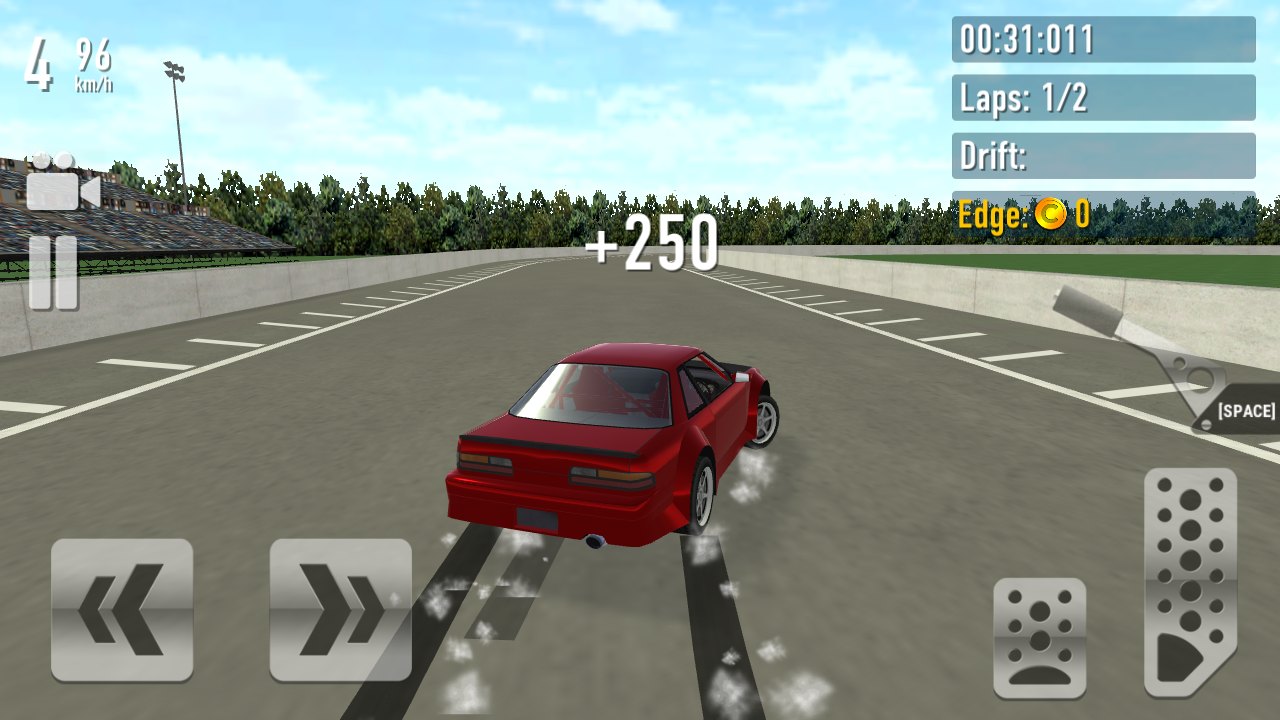 NEWDrift RushChoose a car, take it onto a circuit and combine throttle control with smooth steering to build a more deliberate drift.
 NEWStunt Rider 3DRide a motorcycle across 3D obstacle tracks, manage the throttle and land cleanly after ramps, jumps and steep drops.
 NEWEggy CarCarry a loose egg over hilly roads. Gentle forward and reverse inputs matter more than top speed in this physics driving game.
 NEWEscape RoadKeep a getaway car moving through a city while police pursue. Read the next junction, avoid being boxed in and survive a little longer.
Escape Road 3
A city getaway game with vehicle switching, sharp turns and a growing police chase. Keep an exit route in mind as you drive.
What is Escape Road 3?
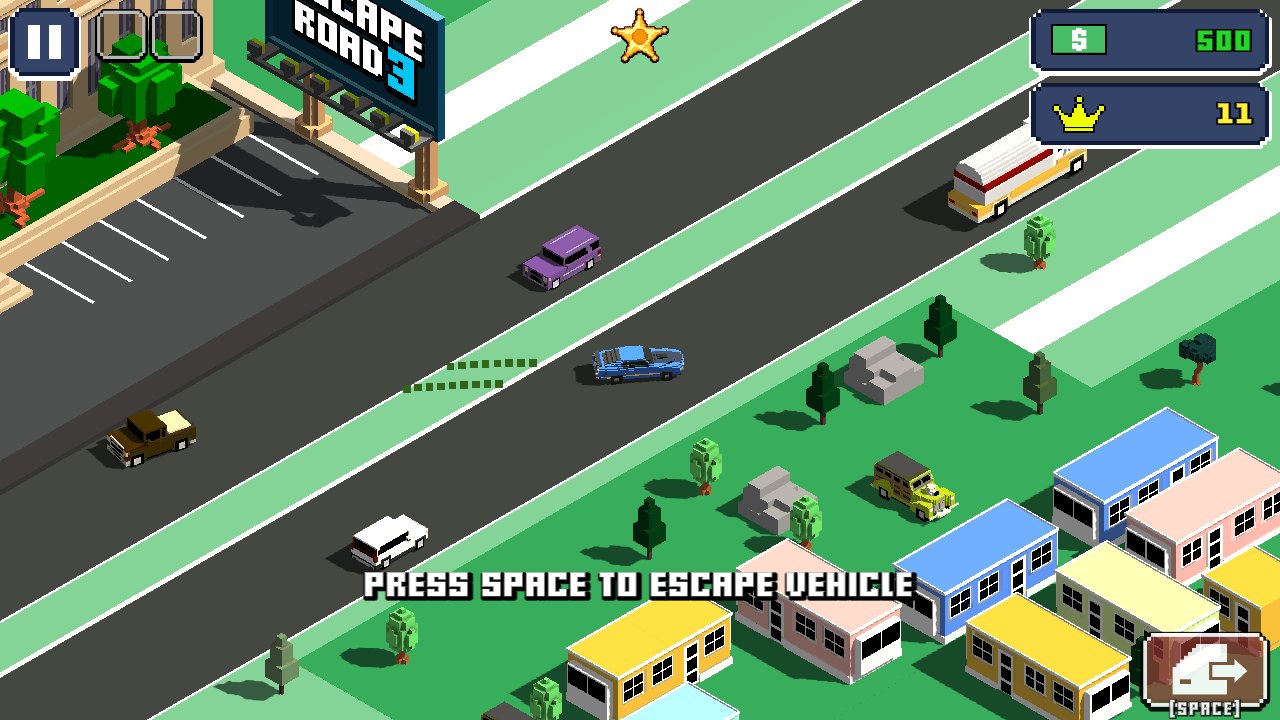
Escape Road 3 is a city driving and escape game from AZGames. You start a getaway, steer around traffic and buildings, and try to keep the pursuit from trapping you. The camera presents the streets from an elevated angle, making the next junction and the space around the car part of every decision.
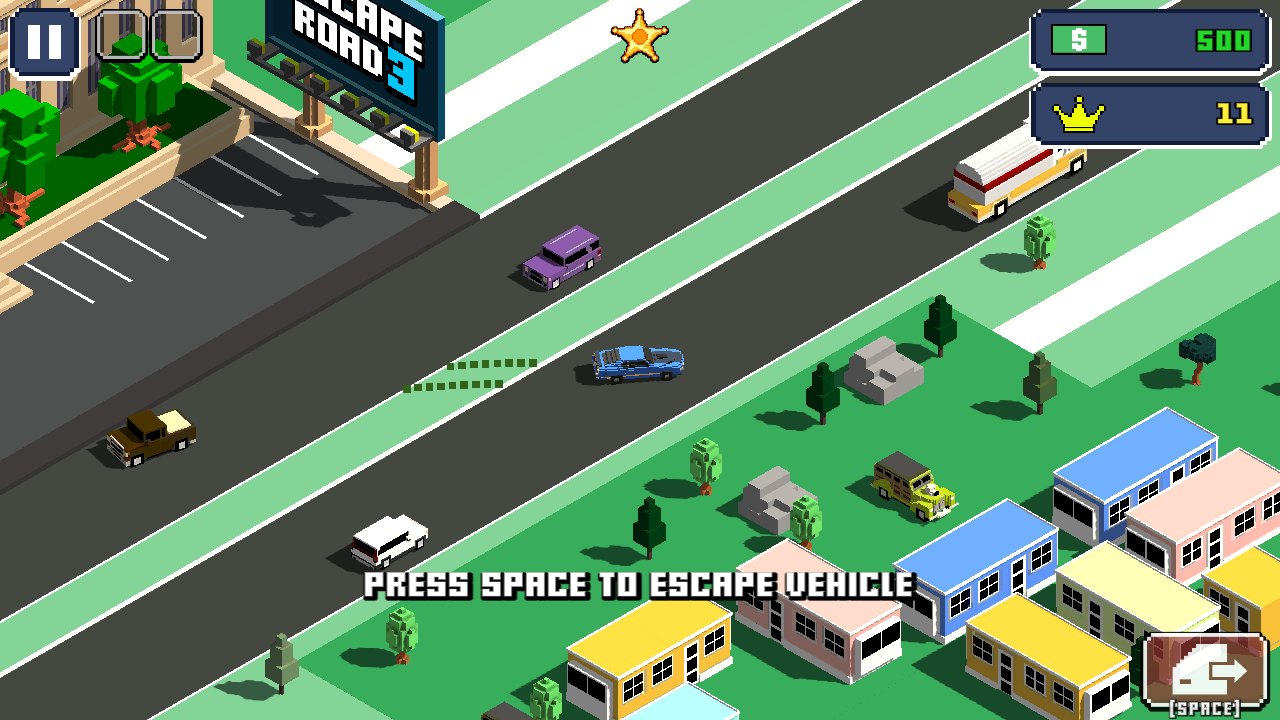
The browser version we checked opened with a city scene and an A/D or left/right-arrow start prompt. Once the chase began, the car moved along the road and the game displayed an instruction to leave the vehicle with Space. This distinguishes it from a simple circuit racer: the escape is not limited to keeping the original car for the entire run.
Escape Road 3 controls
| Input | Action |
|---|---|
| A/D / Left/Right arrows | Start and steer |
| WASD | Driving movement |
| Space | Leave or enter a vehicle |
| F | Use an applicable legendary item |
Planning the next escape route
Read the next open road before turning into it. A narrow gap can look like a shortcut but leave too little room to recover from contact with another vehicle. Early in a run, choose wider junctions and make shorter steering corrections. Keeping the car moving is more valuable than turning toward every visible pickup.
Look for space beyond the immediate obstacle. If a police car blocks one side of the road, a violent correction in the opposite direction may simply send you into a building. Establish a clean line through the junction, then decide where to go next. Practising this sequence makes the chase feel less like a succession of emergency reactions.
Leaving a vehicle and adapting
The Space control allows the character to leave or enter a vehicle. Learn it while the scene is relatively manageable, rather than waiting until the car is completely surrounded. Switching vehicles changes the immediate problem: you have to identify somewhere useful to go and remain aware of the pursuit while doing so.
The publisher describes additional environments, support items and activities in this sequel. Availability depends on the current build and your progress. Start with the ordinary city chase and its basic controls before relying on an unlocked item or a vehicle ability you have not tested. The F key is listed for an applicable legendary item; it is not an automatic solution in every starting car.
Escape Road 3 questions
How do I begin the chase?
After closing any in-game update notes, use A/D or the left/right arrows at the start prompt. Click inside the player first if the browser is receiving the keys instead.
How is it different from Escape Road?
This sequel includes leaving and entering vehicles, while the classic game focuses on the car getaway. Use the control guide for the actual version you are playing rather than assuming every entry in the series has the same abilities.
Should I collect every pickup?
Only pursue a pickup if the route remains usable. A reward on the wrong side of a roadblock is not worth turning a manageable escape into a dead end.
More games to try
Play the classic Escape Road to compare its simpler getaway loop. For cornering practice without a police pursuit, try Drift Rush or Drift Hunters. Browse Racing Games or return to our DirtBound fan guide.
Credits and browser notes
Escape Road 3 is credited to AZGames by its publisher. This page embeds its external browser build and provides independent practice commentary. See the game source for game information. This is a personally operated fan listing; the game and its assets belong to their respective owners. For copyright concerns, contact [email protected].
Click inside the player if the keyboard moves the webpage. The first load downloads external game files; allow it to finish. Full screen expands the player and Esc returns to the page. Availability and saved progress depend on the external host and browser storage. This listing was checked with desktop controls; touch behaviour can vary by build and device.
How to play Escape Road 3
- Click Play above and give the game keyboard or pointer focus.
- Close the game's update notes if they appear, then use the start controls shown on screen.
- Keep moving through open streets and use measured steering to avoid becoming trapped.
- Use Space to leave or enter a vehicle when that creates a better escape route.
- Use the site's Full screen button for a larger view; Esc returns to the page.