 NEW
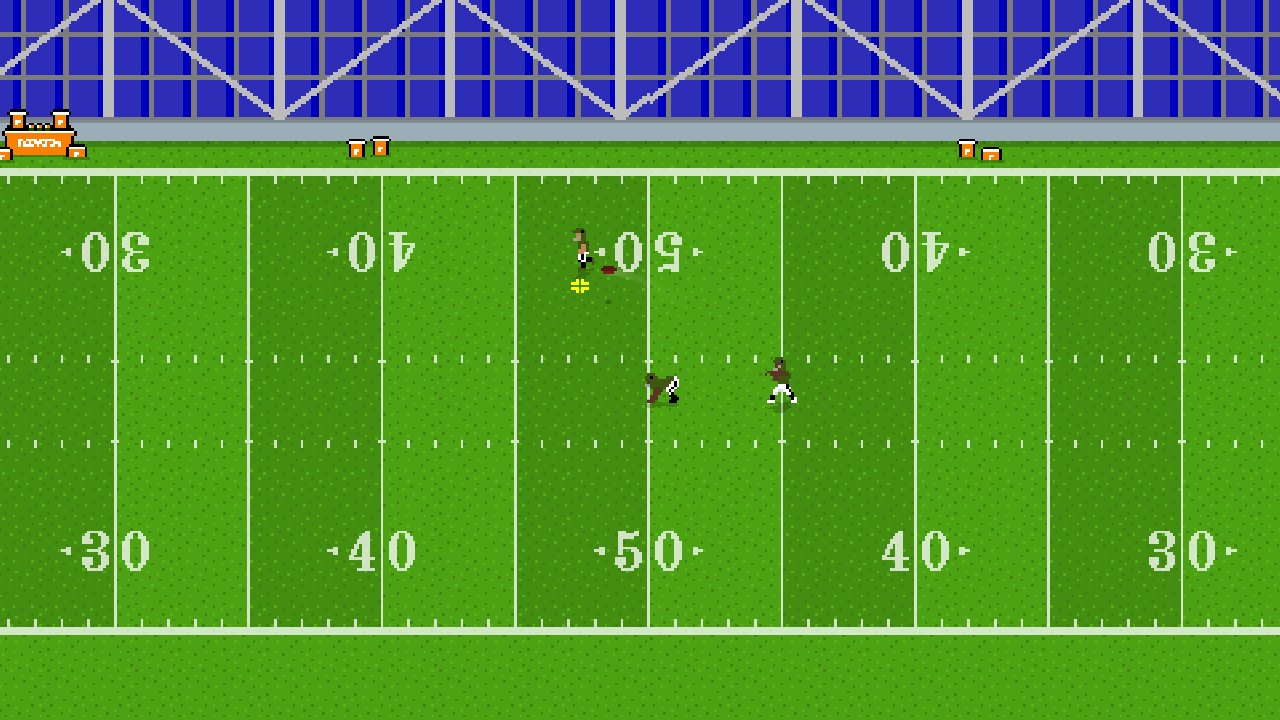
Retro Bowl
Keyboard game · Play on desktop for full controls.Retro Bowl
NEWPlay Other Games
 HOTDirtBoundA 3D browser rally game built around generated stages and timed circuits. Learn the controls, choose a mode and work towards cleaner, more consistent driving.
 NEWScreechy RallyA compact top-down time-attack racer by ProYd. Practise your drift, unlock medals or race a friend locally.
 NEWDriftThe car accelerates for you. Concentrate on steering and stay on the road in this focused drifting game by DVRK Studios.
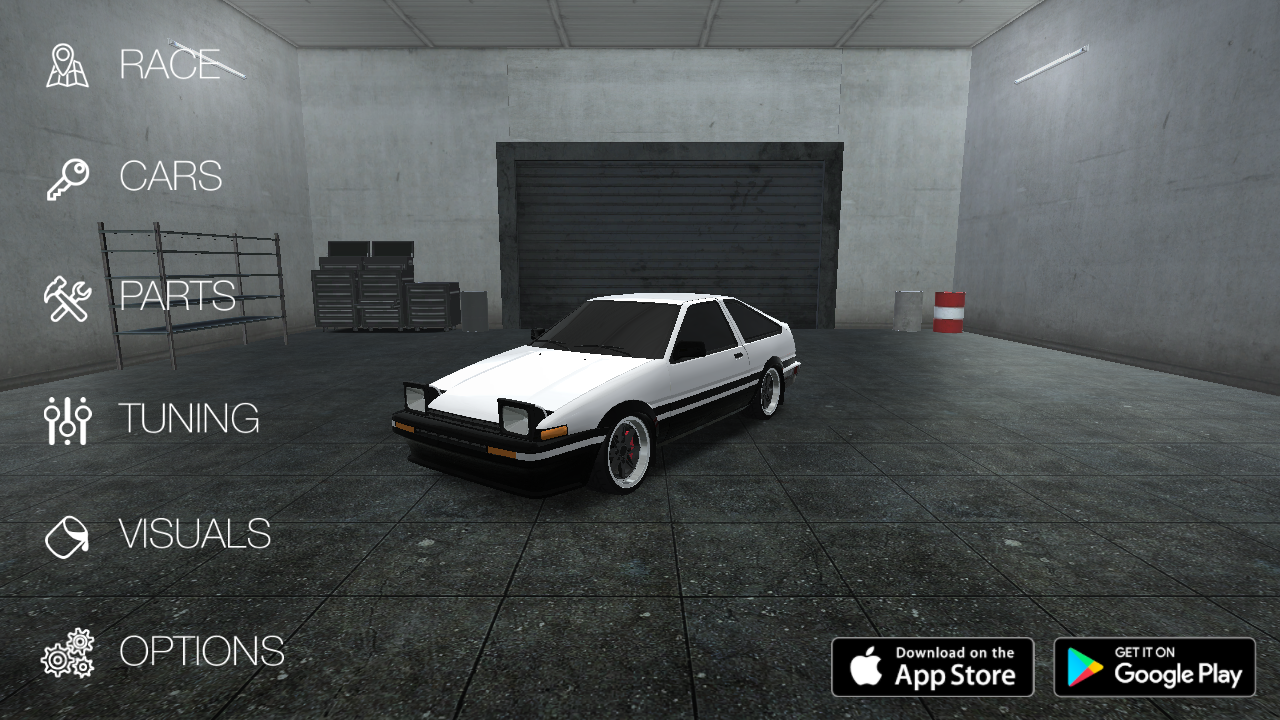 NEWDrift HuntersSlide through 3D corners, build drift combos and return to the garage to upgrade and tune your car. A keyboard driving game by Studionum43.
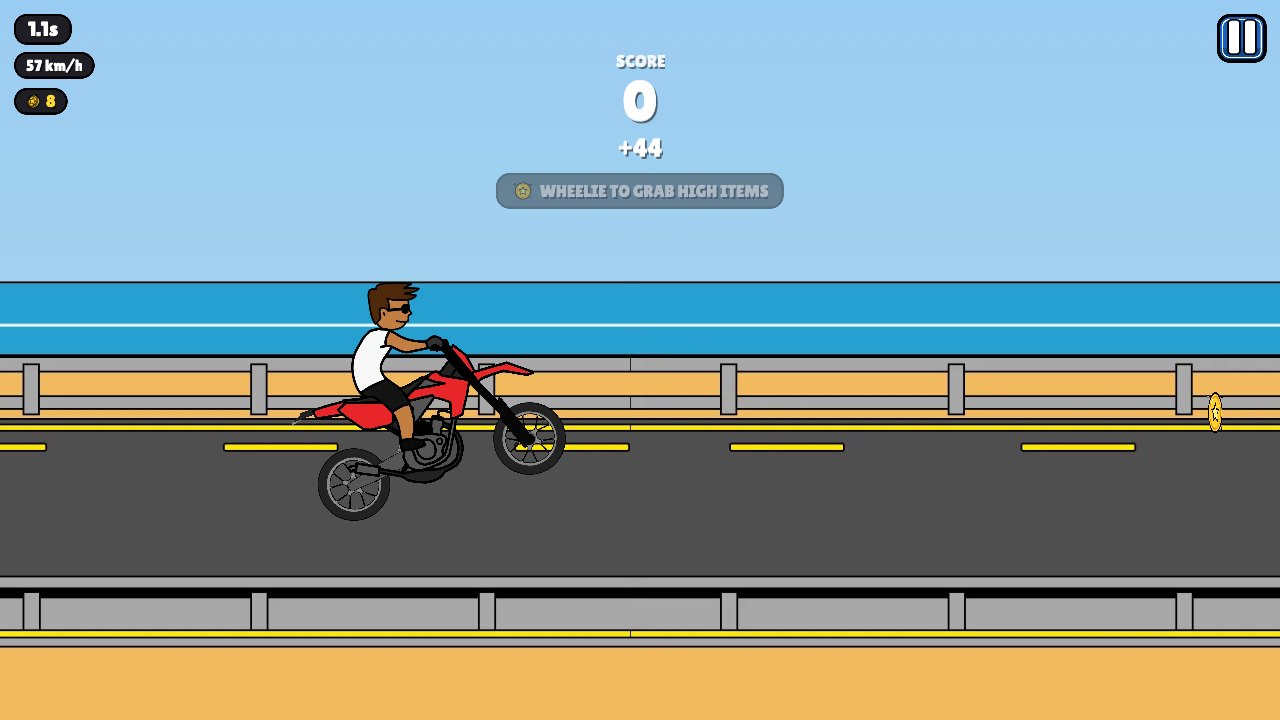 NEWWheelie PopperLift the front wheel, balance your motorcycle and build a longer stunt run. A bright side-view riding game with gas, brake and trick inputs.
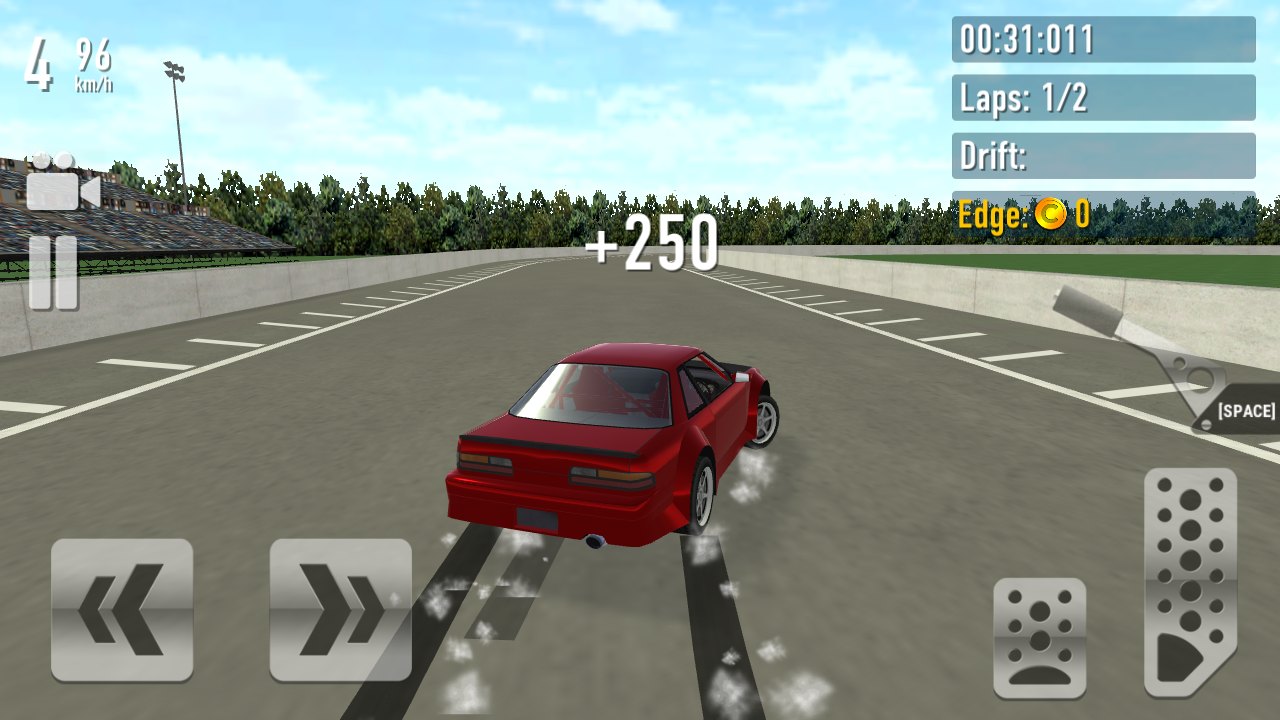 NEWDrift RushChoose a car, take it onto a circuit and combine throttle control with smooth steering to build a more deliberate drift.
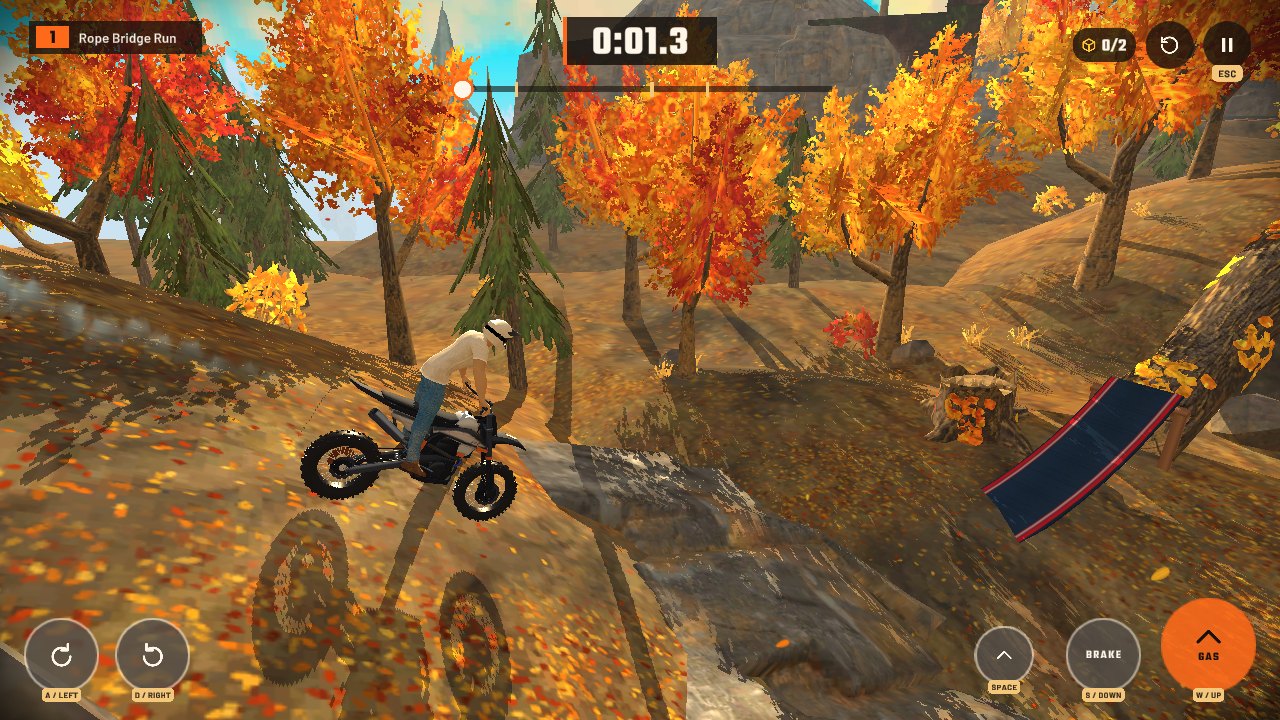 NEWStunt Rider 3DRide a motorcycle across 3D obstacle tracks, manage the throttle and land cleanly after ramps, jumps and steep drops.
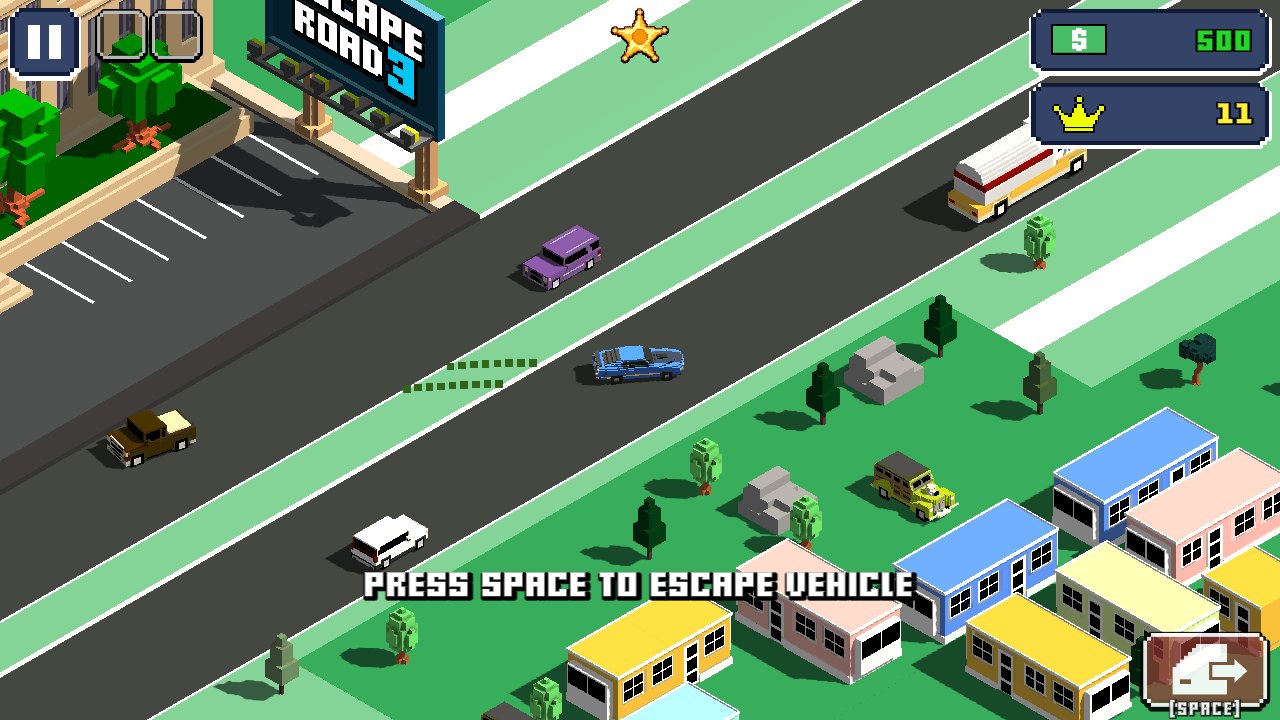 NEWEscape Road 3A city getaway game with vehicle switching, sharp turns and a growing police chase. Keep an exit route in mind as you drive.
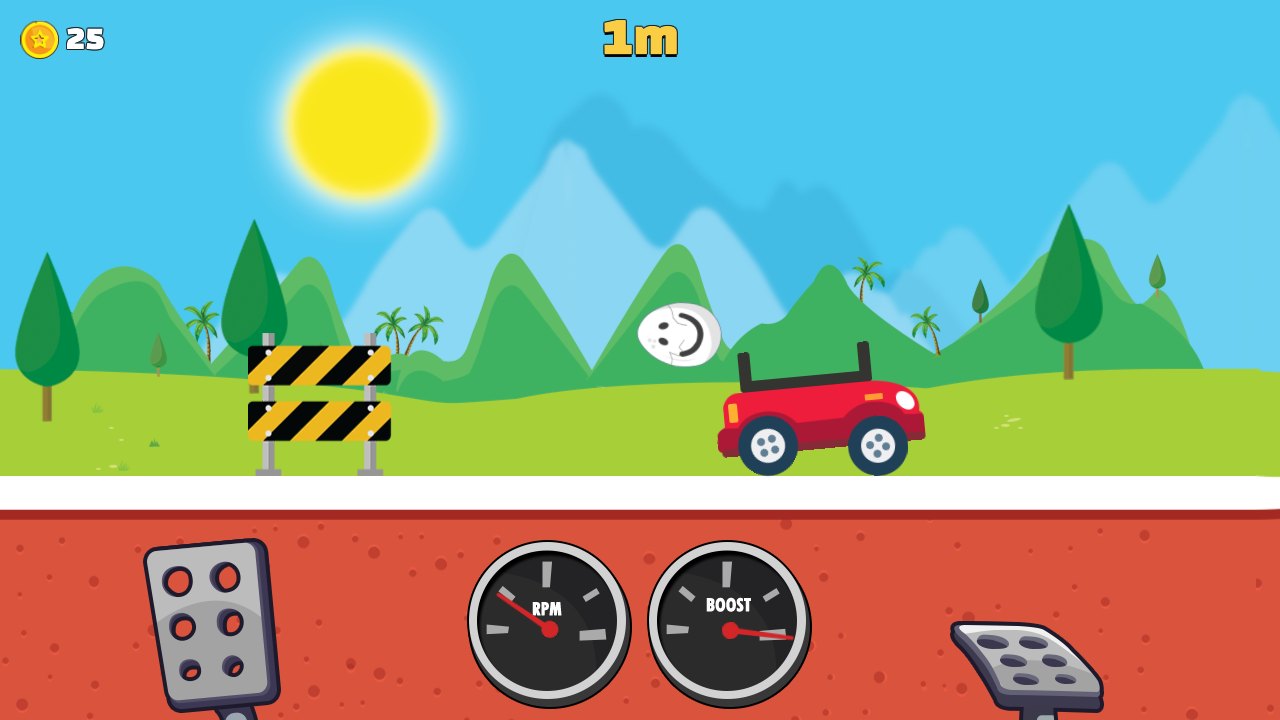 NEWEggy CarCarry a loose egg over hilly roads. Gentle forward and reverse inputs matter more than top speed in this physics driving game.
Retro Bowl
A retro American football game combining offensive play with team decisions. Learn to aim a pass and read the space around a receiver.
What is Retro Bowl?
Retro Bowl is an American football game by New Star Games. It combines a retro presentation with on-field offensive decisions and team management. During play, you choose how to advance the ball; between games, the wider team context gives those possessions a reason to matter.
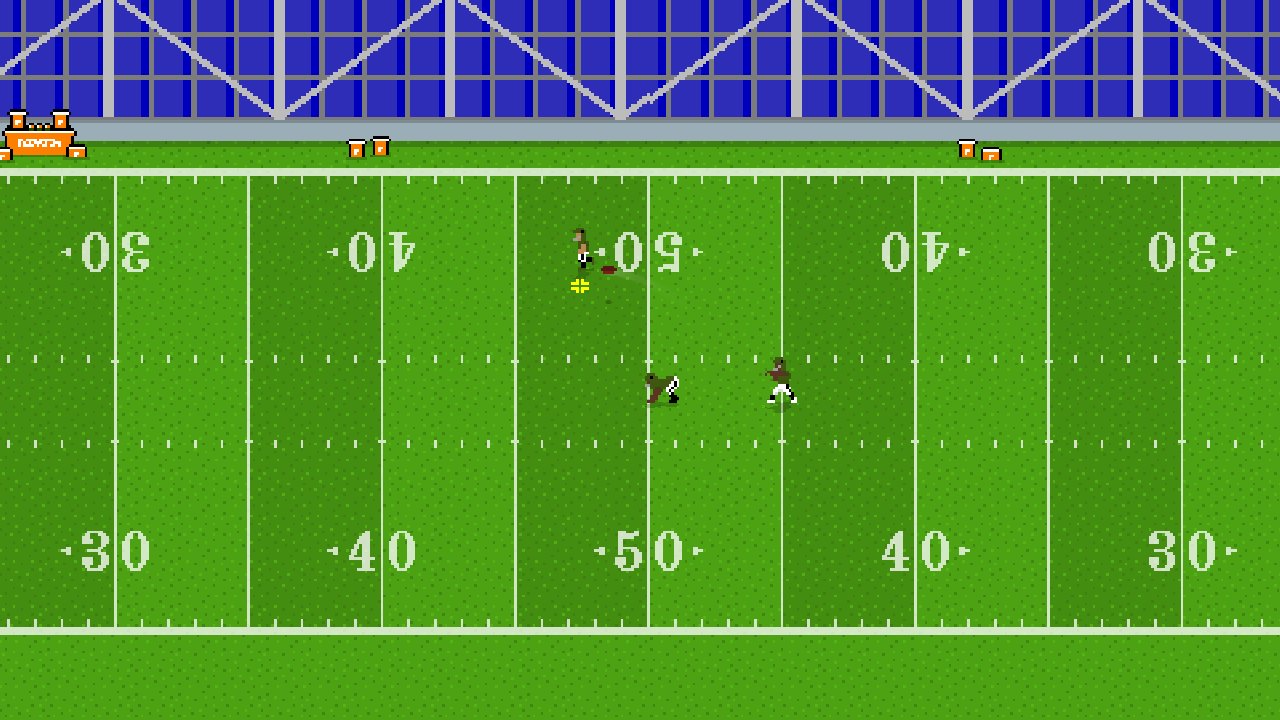
This page loads a browser build. It should not be confused with every current mobile edition, College release or licensed NFL version. Features and season data can differ between those products. Use the controls and menus actually shown in this player instead of assuming an update for a separate app is included here.
Retro Bowl controls
| Input | Action |
|---|---|
| Mouse / pointer | Choose menus and aim a pass |
| Click, drag back and release | Set a passing direction and release the ball |
| In-game running tutorial | Follow the currently displayed running controls |
Learning the passing action
Start with the game's tutorial and practise a short, deliberate pass. Watch the receiver's route and the available space before choosing where to release the ball. The aim is not simply to throw toward the largest empty patch of the field; you need a target the receiver can reach.
Make one adjustment after an unsuccessful play. If the ball travels beyond the intended player, compare the pull-back distance and release point. If the receiver is covered, wait for a more usable route rather than repeating the same throw into traffic. A few controlled attempts are a better introduction than trying to force a long gain immediately.
Thinking about the next down
American football advances through a sequence of plays, so a modest gain can still be useful. Read the current down and distance before taking an unnecessary risk. A shorter pass into accessible space may give you a more manageable next decision than an ambitious throw toward heavy coverage.
Give the same attention to a running play. Follow a usable gap and learn when a change of direction helps rather than moving repeatedly without a target. Once the on-field controls feel familiar, return to the team menus and make changes with a specific goal in mind. A management choice is easier to judge when you understand what is happening during a possession.
Retro Bowl questions
Is this a driving game?
No. It is an American football game, so it belongs in Sports Games. The site also includes driving and arcade games, but they have different controls and objectives.
Is this the latest licensed NFL mobile edition?
This listing is for the embedded classic browser version. It does not claim to include the teams, season updates or features of a separate licensed mobile release.
What should I do first?
Follow the tutorial and learn the pass gesture before making broad changes in the team menus. Knowing how a receiver moves gives more meaning to the decisions you make between plays.
More games to try
For another arcade-style break, try Slope or Tunnel Rush. For an arena vehicle battle instead of football, choose Smash Karts. Browse Sports Games or return to our DirtBound fan guide.
Credits and browser notes
Retro Bowl is created by New Star Games. The official game page describes its retro football and team-management approach. This page is an independent fan listing for an externally hosted browser build. See the game source for game information. This is a personally operated fan listing; the game and its assets belong to their respective owners. For copyright concerns, contact [email protected].
Click inside the player if the keyboard moves the webpage. The first load downloads external game files; allow it to finish. Full screen expands the player and Esc returns to the page. Availability and saved progress depend on the external host and browser storage. This listing was checked with desktop controls; touch behaviour can vary by build and device.
How to play Retro Bowl
- Click Play above and give the game keyboard or pointer focus.
- Start a career or the available tutorial using the game menu.
- Follow the passing tutorial and practise the drag-and-release gesture.
- Read down and distance before selecting a more ambitious play.
- Use the site's Full screen button for a larger view; Esc returns to the page.